AI Chatbot for Small Business: Stop Losing Website Leads
Conversion data sourced from Dashform, Oscar Chat, and GreetNow benchmarks. Response time statistics from Harvard Business Review and Kixie research (June 2026).
Who This Is For
- Small business(SMBs) owners qho spend money on ads, SEO, or referrals and watching most of those visitors leave without converting
- All Service businesses, clinics, agencies, and retailers where an unanswered enquiry costs real money
- Anyone running on a lean team who cannot realistically staff a live chat function around the clock
Key Points
- Contact forms convert at 1-3% of website visitors. AI chatbots convert at 10-15% of engaged visitors, roughly 5x higher
- Leads contacted within 5 minutes are 21x more likely to qualify than leads contacted after 30 minutes
- 35-50% of sales go to the vendor that responds first, not the cheapest, not the best reviewed
- The average small business takes 47 hours to follow up on a web enquiry. A chatbot responds in seconds
- 82% of consumers say they prefer an immediate chatbot response over waiting for a human
- An AI chatbot for a small business costs £30-£150/month. Most deployments pay back within 60-90 days
Your Website Is Leaking Leads
You spent money getting someone to your website. They arrived. They looked around. Then they left.
Not because your service was wrong for them. Because there was no one there to catch them.
This is the central problem an AI chatbot solves. Not the hiring question, which is a separate decision covered in detail in how small businesses are using AI agents to skip the next hire. This post is about the conversion gap: the distance between a visitor landing on your website and that visitor becoming a lead.
That gap is bigger than most business owners realise. Research from GreetNow found the average B2B response time is 47 hours. Only 23% of companies respond to web enquiries within 5 minutes. Those that do are 21x more likely to qualify the lead.
The contact form on your website is a passive tool. It waits for someone to fill it in, then waits again for a human to respond. A chatbot is active. It starts the conversation, asks the right questions, and captures intent in real time.
Contact Form vs. Chatbot vs. Nothing: The Conversion Gap
| No response mechanism | Contact form | AI chatbot | |
|---|---|---|---|
| Conversion rate | 0% | 1-3% | 10-15% (engaged visitors) |
| Response time | Never | Hours to days | Seconds |
| After-hours coverage | None | Passive form only | Full conversation |
| Lead quality | None | Unqualified submissions | Pre-qualified by chatbot |
| Qualification before handoff | No | No | Yes |
| Monthly cost | £0 | Minimal | £30-£150 |

The gap between a contact form and a chatbot is not marginal. Dashform's 2026 benchmarks put AI chatbot conversion at 5x that of a static form. The mechanism is simple: a conversation moves faster than a form, feels less like admin, and answers the question the visitor actually has before asking for their details.
What an AI Chatbot Actually Does on Your Website
A modern AI chatbot is not your usual set question answer matching machine. The new generation is powered by LLMs (large language models), which means it reads natural language, holds context across a conversation, and handles questions it was not explicitly programmed to answer.
You train it on your business: your services, pricing, coverage area, booking process, FAQs, blogs and so on. It uses that to hold real conversations with your website visitors. When a conversation goes beyond its scope, it escalates to a human.
For the distinction between a basic chatbot and a full AI agent, this breakdown covers the technical difference. For most small businesses, the practical question is simpler: which lead moments is your website currently missing?
The 5 Moments Your Website Loses a Lead

1. The After-Hours Visitor
Most small business websites go quiet at 6pm. 27% of home services enquiries go unanswered entirely, and 41% of weekend enquiries never get a response. When a visitor lands at 9pm on a Thursday, the contact form offers a passive box. The chatbot opens a conversation.
This is the highest-value moment a chatbot addresses. A visitor looking for a plumber, a dentist appointment, or a marketing agency after hours has high intent. They are ready to engage now. They will not be as ready tomorrow when you call back.
A chatbot catches that window. It answers their question, qualifies their need, and either books a time directly or captures their contact details with context. Not a blank form submission, but a conversation with a qualified need attached.
2. The Visitor With One Question Before Committing
Most people who visit a service business website are not ready to fill in a contact form. They have one specific question first. "Do you cover my area?" "What does this typically cost?" "How long does the process take?"
If that question goes unanswered, they leave. Not because they were not interested. Because the answer was not there.
A chatbot answers these questions immediately and keeps the conversation going. The transition from "answered question" to "captured lead" is natural, provided the bot waits for a real signal of interest. The visitor already got value from the interaction; sharing their email or booking a call feels like the logical next step.
3. The Visitor Who Won't Fill In a Form
Contact forms convert at 1-3%. That means 97 out of every 100 visitors who see your contact page leave without submitting. A significant portion of those are people who would have converted if the friction were lower.
Forms feel like commitment. They signal: fill this out, wait for us to respond, start a process. A chatbot conversation feels like a question answered. Sharing an email in a chat thread, after a conversation that just helped you, is a much smaller step than filling in a form from scratch.
Oscar Chat's 2026 research found AI chatbots engaging 15-25% of website visitors who interact with them, with lead capture rates of 10-15% among those engaged. That is 3-5x what a static form achieves.
4. The Enquiry That Needs Qualifying First
Not every visitor is the right fit. Infact, most aren't, but unqualified enquiries cost your team time. The calls that go nowhere, follow-ups with people outside your service area or budget range.
A chatbot can run a short qualification sequence before any human gets involved. SketricGen's built-in lead capture within the customer facing agents could be the real problem solver in this regards, to test it out, get yourself a brand-agent
For a trades business: What area are you in? What is the work? What is your rough timeline? For a clinic: What is the nature of your concern? New or returning patient? For an agency: What is your monthly budget? Are you looking for ongoing management or a one-off project?
This matters because 64% of businesses report chatbots generate more qualified leads, not just higher volume. The chatbot does not book everyone. It routes the right people and filters out the wrong ones before they take up your time.

5. The Almost-Booked Lead Who Went Cold
Someone expresses interest. You or your team follow up hours later, or the next day. By then the moment has passed. They have already booked someone else, or they have moved on. This is also a place where you can use SketricGen's native Calendar integration and prompt your already captured lead to book demo and meeting calls right from the chatbot interface.
Research cited by Kixie put the number clearly: 35-50% of sales go to the vendor that responds first. Not the cheapest. Not the most qualified. The one that responded first.
A chatbot integrated into your booking system removes this gap entirely. It captures interest in real time, offers available slots in the same conversation, and locks in the appointment while the visitor is still on the page. The booking is done before they close the tab.
Pro tip: Add your chatbot to your pricing and services pages first, not just your homepage. Visitors on those pages are deeper in the decision process and more likely to have the qualifying question that, if answered, tips them into converting. Kv
Which Business Types See the Fastest Returns
The strongest results come from businesses where enquiry volume is high, questions are predictable, and response speed is a competitive factor.
| Business type | Critical moment | Typical chatbot result |
|---|---|---|
| Home services (trades, HVAC, landscaping) | After-hours call or web enquiry | 30-40% reduction in missed leads |
| Healthcare and clinics | Patient booking, new patient FAQs | Significant drop in phone volume; faster booking |
| Marketing and creative agencies | Discovery call qualification | Higher-quality pipeline; less time on unqualified calls |
| Legal and professional services | Initial intake before consultation | Filters low-fit enquiries before any staff time is spent |
| Retail (local and e-commerce) | Product questions, returns, order status | 30-50% reduction in support ticket volume |
For a deeper breakdown of how to build this for specific verticals, the AI agent for customer service guide covers setup specifics per business type.
What practitioners are saying: A small business owner in r/smallbusiness shared how they built a GPT-powered tool to handle calls and texts for their family's construction business. The 177-comment thread became a playbook thread: owner after owner described the same pattern. Most of the volume is the same ten questions, and the moment you stop answering them manually, you get your time back and the leads stop leaking. One commenter put it directly: "It's not that the chatbot is smarter than me. It's that it's there at 11pm when I'm not."
The Failure Modes Worth Knowing
Two patterns cause most chatbot deployments to underperform.
Failure mode 1: Thin knowledge base. A chatbot deployed without business-specific content cannot answer questions about your business. It falls back to generic responses, or worse, it guesses. Customers notice immediately and trust drops. The fix is unglamorous but critical: before launch, upload your FAQs, your service descriptions, your pricing structure, your coverage area, and your process. The chatbot is only as good as what you give it.
Failure mode 2: No escalation path. A chatbot with no route to a human leaves frustrated customers with nowhere to go. When a visitor has a complex problem, a complaint, or simply does not want to talk to a bot, the absence of a handoff turns a fixable situation into a lost customer. Set a clear trigger by query type, deal size, or sentiment, and make sure someone is actually monitoring what the chatbot escalates.
Mistake to avoid: Testing your chatbot only with "ideal" questions before launch. Ask it the ten most awkward or edge-case questions your customers actually send. That is where the knowledge gaps are. Fix those before you go live on your main service pages.
The configuration failures that sink SMB chatbots mirror the same root cause documented in how enterprise AI agents fail at scale: underprepared setup, not a flawed technology.
How to Set Up Your First Chatbot
The most common mistake is trying to automate everything at once. Start with the single lead moment that costs you the most right now.
Decision rule:
- If you lose leads after hours, deploy a chatbot trained on your FAQs with a lead capture prompt and a booking link. Run it on your homepage and key service pages.
- If your problem is unqualified enquiries, build a 3-5 question qualification flow before the lead is captured. Only route people who pass the criteria.
- If you have high form abandonment, replace your contact form with a conversational flow on that page. Ask one question at a time rather than presenting a full form.
Pick one problem. Set up for that. Measure conversations started and leads captured over 30 days. Expand from there.
SketricGen lets you add an AI chatbot to your website in minutes, no code required, trained on your business content and configured to handle the specific moment you need covered. For a full lead qualification and follow-up workflow, the AI agent lead generation playbook covers the end-to-end setup.
Author's Take: Sam
Most small business owners I talk to have the same mental model: a chatbot is a customer service tool, something you add when your support volume gets too high.
That framing misses the bigger use case. The highest-value thing a chatbot does is catch a lead at the moment of intent, when someone has a question right now and the answer determines whether they convert or leave. That is not a support problem. It is a conversion problem.
If your website gets any meaningful traffic, some percentage of those visitors are ready to buy but did not convert. The gap is almost never the product. It is almost always the response: too slow, too passive, or not there at all.
That is what a chatbot fixes. And it costs less per month than a single lost lead.
Next Steps
The fastest test: deploy a chatbot on one service page this week and track two numbers for 30 days: conversations started and leads captured from that page. Compare it to the same period on a form-only page.
That comparison will tell you everything you need to know about whether the investment makes sense for your volume.
Build your first AI chatbot on SketricGen. No code required, live in under 30 minutes. Or start from a pre-built template designed for customer support, or appointment booking.
FAQs
The right tool depends on your use case. For lead capture and FAQ handling on a small business website, Tidio, Chatbase, and SketricGen are solid starting points: affordable, no-code, and designed for businesses without a technical team. If you want a comparison across the main options, the best AI chatbots for websites in 2026 covers them with specific use case guidance.
Yes. Tidio, Landbot, and Lindy all offer free plans that cover basic FAQ answering and lead capture. Free tiers typically cap conversation volume or limit integrations. For most small businesses testing their first chatbot, a free plan is enough to validate whether the use case works before committing to a paid tier.
The fastest setup: connect the chatbot to your website, train it on your FAQ content and service descriptions, add a lead capture prompt when a visitor shows interest, and deploy on your highest-intent pages (services, pricing). From there, extend with a qualification flow or a booking integration. The AI agent lead generation playbook walks through the full build.
Most SMB plans run £30-£150/month. Free plans exist for basic use. The cost per conversation runs around $0.50, versus $6-$15 for a human support session. Most businesses deploying for lead capture see ROI within 60-90 days, depending on their monthly traffic and average deal value.
Contact forms convert at 1-3% of visitors. AI chatbots convert at 10-15% of engaged visitors, roughly 5x higher. The mechanism: a form asks for a commitment upfront with no value exchanged. A chatbot answers a question first, then asks for contact details. Visitors who get a useful answer are far more willing to share their information than visitors who hit a blank form cold.
Most will, and most do not mind, provided it is useful. 82% of consumers say they prefer an immediate chatbot response over waiting for a human. Frustration comes not from knowing it is a bot, but from a bot that cannot answer the question and offers no route to someone who can. Transparency ("I am an AI assistant. I can help with X, or connect you with our team for anything else.") combined with a clean escalation path is the right default.
Yes. No-code builders like SketricGen, Tidio, and Chatbase are built for exactly this. You link your website or upload your content, configure the tone and escalation rules, and deploy via a single line of code. Most setups are live in under 30 minutes. If you want a step-by-step walkthrough, automate your customer support in 10 minutes shows the process end to end.
Related blogs
View more
What Is an AI SDR? Capabilities, Hard Limits, and Where They Break
use cases
How to Make Money With AI Agents: 7 Real Ways to Earn
use cases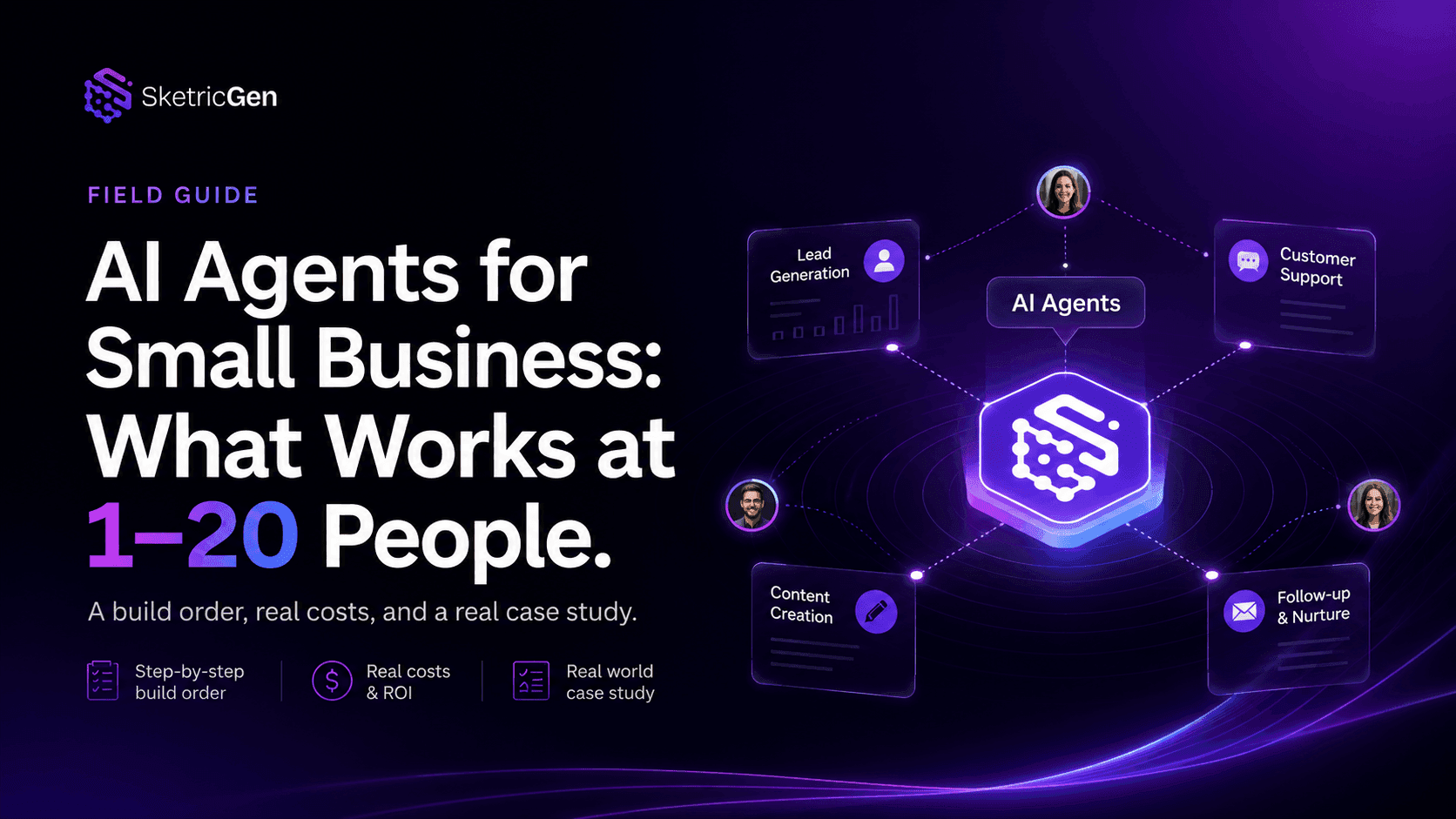
AI Agents for Small Business: What Actually Works at 1-20 People
use cases
Website Lead Capture: How to Turn Silent Visitors Into Leads With an AI Chatbot
use cases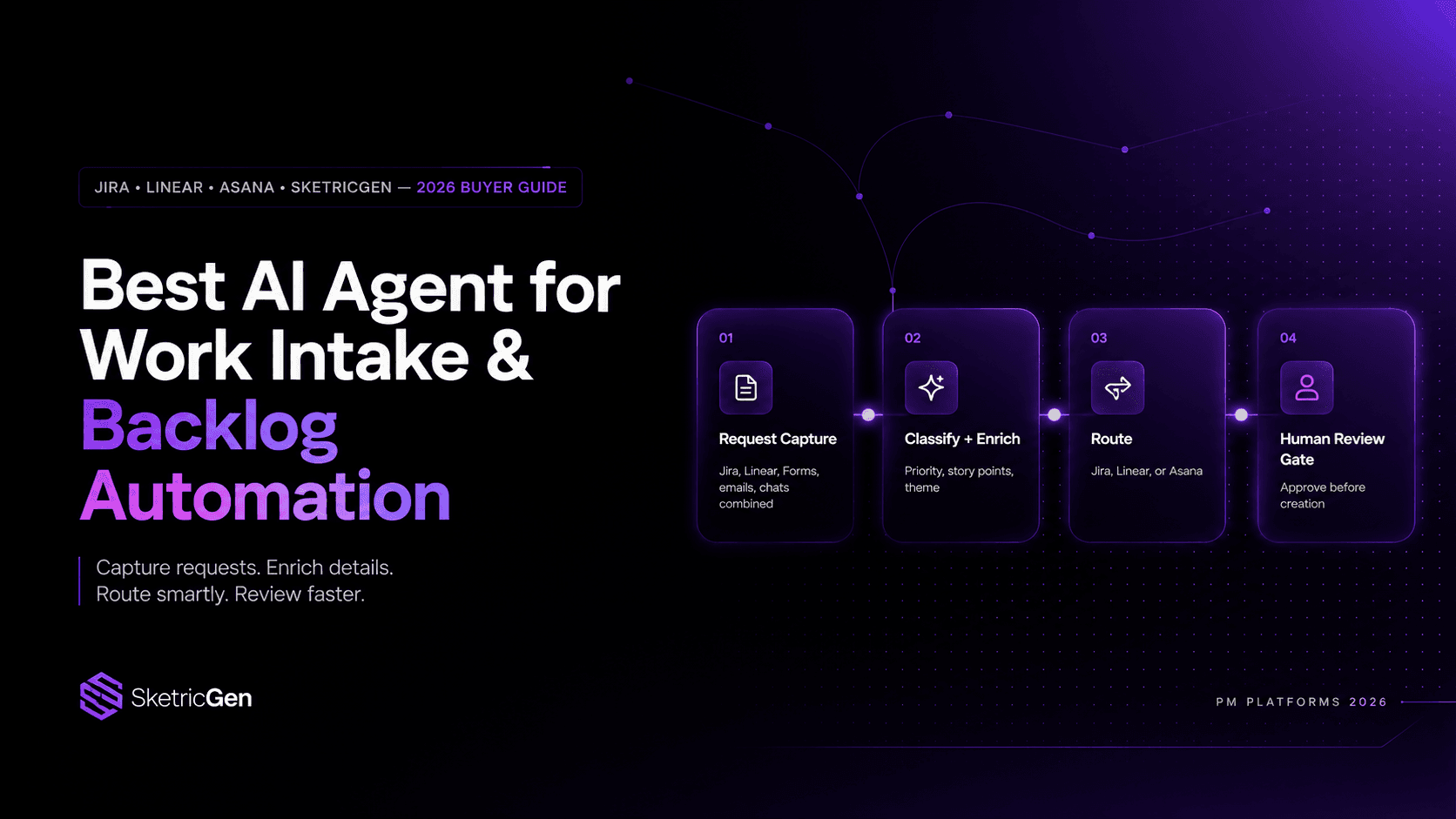
Best AI Agent for Work Intake & Backlog Automation in PM Platforms (2026)
use cases