AI Receptionist for Small Business: The Complete 2026 Guide
Based on public sources, product docs, and practitioner threads from businesses that miss calls when the front desk is busy.
Every missed call is a lead you already paid for. If no one answers during a job, after hours, or on weekends, the caller usually moves on.
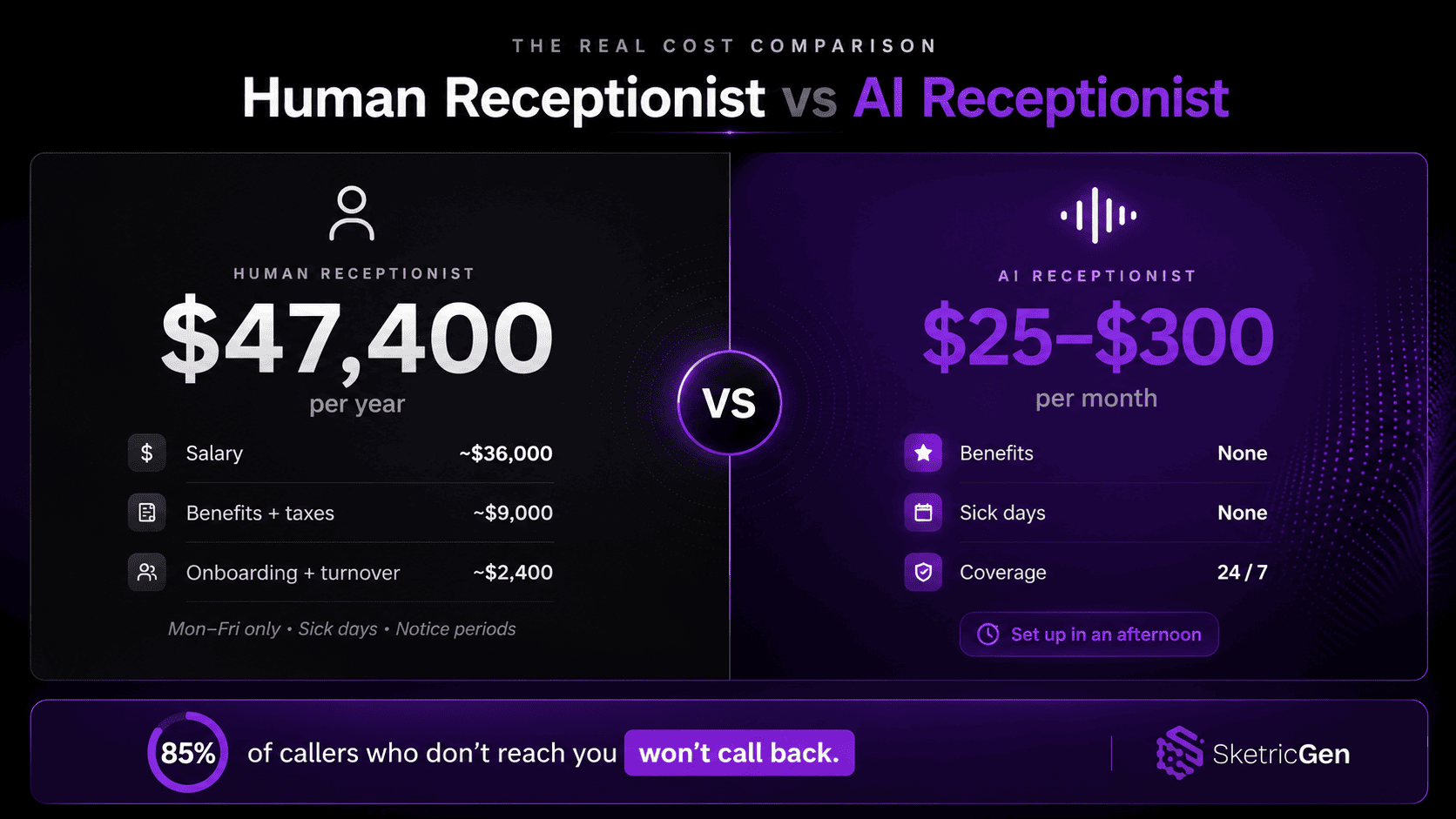
Upfirst cites a figure that 85% of unanswered callers do not call back. Treat that as a directional benchmark, not a universal law. Other articles claim missed calls can cost a small business six figures a year, but the exact number depends on your ticket size and call volume.
An AI receptionist is a way to cover the routine calls without hiring another full-time person. It answers, qualifies, books, and hands off when the call needs judgment.
This guide covers what an AI receptionist actually does, what it usually costs, how to set one up, and what changes for salons, dental clinics, trades businesses, and law firms.
Key Points
- An AI receptionist handles routine calls 24/7: answering questions, qualifying leads, booking appointments, and routing to humans when needed.
- A receptionist is a full-time payroll line item. BLS is the right base-pay reference; total employer cost is higher once you add benefits, payroll taxes, onboarding, and turnover.
- Some industry guides cite an 85% no-callback rate for unanswered calls. Use it as a benchmark, not a promise.
- Setup usually takes a few hours of real work. The hard part is the knowledge base and the handoff rules, not the UI.
- With a no-code builder like SketricGen, you can shape the workflow around your business instead of forcing your business into a generic script.
What an AI Receptionist Actually Does
An AI receptionist is not a phone tree. It is not voicemail with a robot voice either. It is a conversational workflow that answers in real time, figures out what the caller wants, takes the next step, and knows when to hand off.
Here is what it handles day to day:
- Answers calls instantly, no hold time, no "press 1 for..." loops
- Responds to routine questions: hours, location, services, pricing
- Qualifies inbound leads with targeted screening questions
- Books, reschedules, and cancels appointments on your calendar
- Sends SMS confirmations and reminders after booking
- Logs call details into your CRM automatically
- Detects caller frustration and escalates to a live person
The key word is routine. AI receptionists do well on the calls that repeat every day. The messy calls still need a human.
AI Handles vs. When It Hands Off
| Situation | AI Handles | Routes to Human |
|---|---|---|
| "What are your hours?" | Yes | |
| "Can I book an appointment?" | Yes (if calendar connected) | |
| "How much does X cost?" | Yes (if pre-loaded) | |
| "Do you accept my insurance?" | Yes (if pre-loaded) | |
| Angry or distressed caller | Detects + escalates | Yes |
| Complex or custom quote request | Yes | |
| Legal, medical, or crisis situations | Yes | |
| Information not in the knowledge base | Yes |
Decision rule: If the answer requires judgment, relationships, or information that changes frequently, route to a human. If it's in your FAQ, the AI can handle it.
The Real Cost of Not Having One
Let's use the simpler version of the math.
Full-Time Human Receptionist (US, 2026)
| Cost Component | Monthly | Annual |
|---|---|---|
| Base pay | Around $3,000 | Roughly low-$40k range |
| Benefits + payroll taxes | Extra | Extra |
| Training, onboarding, turnover | Extra | Extra |
| Total employer cost | More than base pay | More than base pay |
Source reference: U.S. Bureau of Labor Statistics, Receptionists and Information Clerks. Use BLS as the base-pay reference, then add benefits and turnover for your actual cost.
AI Receptionist (2026)
| Tier | Monthly Cost | What You Get |
|---|---|---|
| Basic | $25 to $75 | Call answering, FAQ responses, voicemail |
| Standard | $75 to $200 | Appointment booking, CRM sync, SMS |
| Full-featured | $200 to $300+ | Multi-location, advanced routing, analytics |
| Custom-built (SketricGen) | Platform cost | Fully configurable; own the workflow |
The breakeven is usually smaller than people think. If the AI turns one or two missed calls into booked jobs each month, it can cover its own cost. The exact breakeven depends on ticket size, call volume, and how well the handoff is set up.
What practitioners are saying: In a Reddit thread with 110+ comments from owners across trades, real estate, and professional services, the same complaint kept coming up: calls go to voicemail during jobs, and after-hours callers do not wait around. The pain is real, and most people had already tried at least one tool before posting.How to Build an AI Receptionist Without Writing Code
Most guides stop at a list of tools to subscribe to. That misses the real work, which is deciding what the receptionist should answer, what it should book, and when it should hand off.
Pre-packaged AI receptionist tools work until your business does not fit their template. They handle generic calls well. But when a caller asks about your specific service packages, your cancellation policy, or your emergency protocol, the gap shows.
The better approach is to build a custom workflow around those decisions. SketricGen lets you do that without writing code.
Step 1: Define What the AI Will Handle
Before touching any tool, write down the 10–15 questions your receptionist hears every single day. Add:
- Business hours (including holiday and after-hours rules)
- Services and pricing
- Booking process and lead times
- Cancellation and rescheduling policy
- Emergency or escalation contact
Step 2: Build Your Knowledge Base First
This is where most businesses fail. They skip the knowledge base, launch with a skeleton script, and wonder why callers hang up when they ask anything specific.
Spend 2–3 hours here before anything else. Pull your knowledge from real call logs, your current receptionist's notes, or your FAQ page. Real questions. Real answers.
Pro tip: Pull your last 30 days of call recordings (or voicemails). List every unique question that came up more than twice. Those are your must-haves for the knowledge base. Everything else is optional.Step 3: Set Up Your Workflow in SketricGen
Open SketricGen's Max Orchestrator and describe the receptionist job in plain English:
"I need an AI phone receptionist for my dental clinic. It should answer calls, respond to questions about services and hours, book appointments into Google Calendar, send SMS confirmations, and escalate urgent calls to my direct line."
Max Orchestrator generates the first version of the workflow in real time. You then refine the handoffs, instructions, and guardrails in AgentSpace.
Step 4: Connect Your Existing Tools
SketricGen connects to 2,000+ apps:
- Google Calendar / Calendly / Acuity Scheduling
- HubSpot / Salesforce / your CRM
- Your phone system or SMS layer, if your stack already uses one
- Slack for internal team alerts
- Booking or practice management software
Step 5: Test, Then Go Live
Run test calls. Ask the AI your most common questions, plus three it's never been trained on. Watch where it stalls. Add those edge cases to the knowledge base. One more round of tests, then go live.
Start with after-hours coverage only if you want to ease in. Once you trust it, extend to all hours.
Vertical Playbooks: What This Looks Like in Your Industry
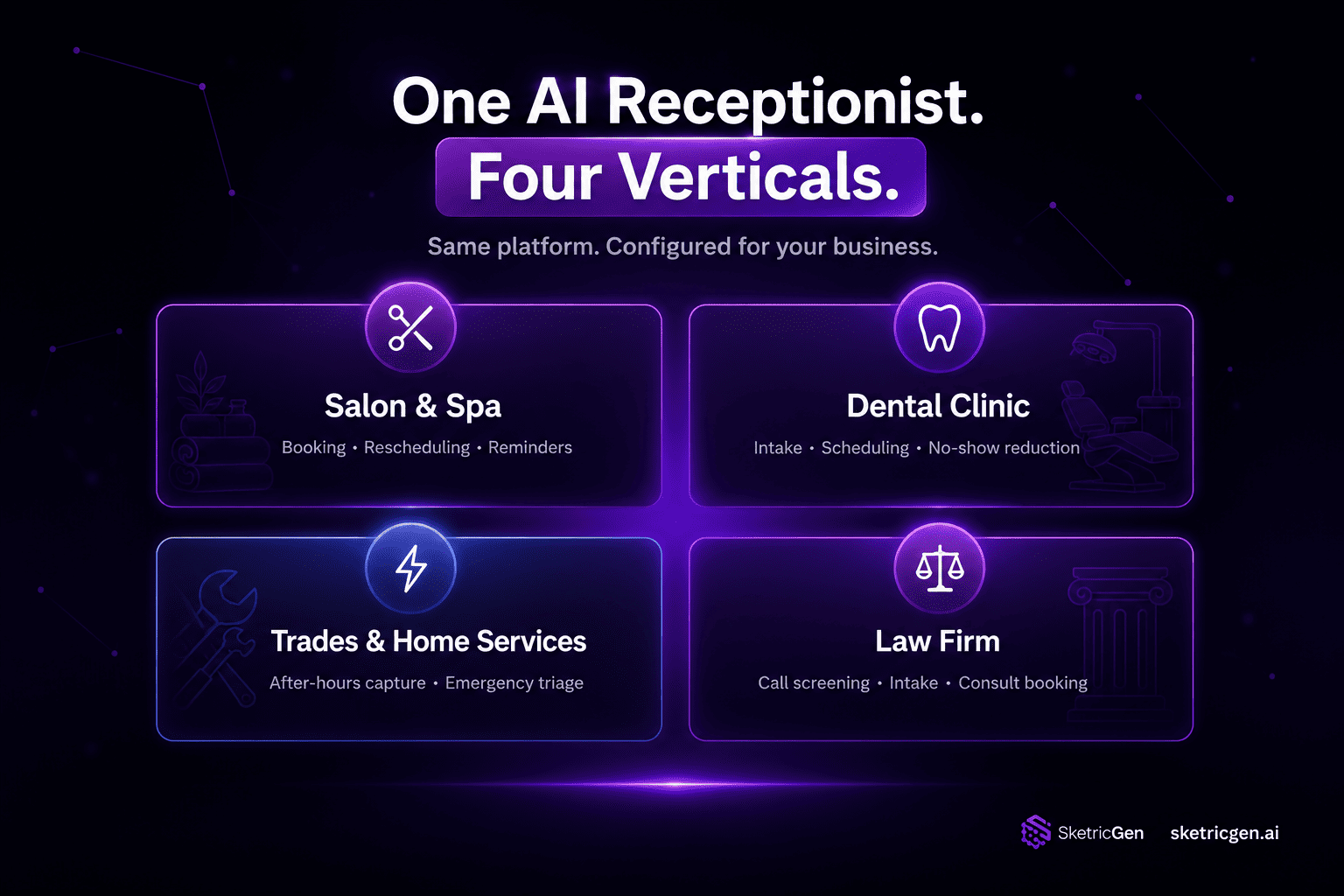
The same core technology works differently depending on your business type. Here is how it maps to four common verticals.
Salon and Spa Booking
Core use case: Booking, rescheduling, and reminders — the three tasks that consume most of a salon front desk's day.
The AI handles:
- New client booking ("I'd like a cut and color on Saturday")
- Rescheduling with the same stylist where available
- SMS booking confirmations and 24-hour reminders
- Questions about services, pricing, and availability
Failure to avoid: Salons that don't pre-load stylist availability correctly end up with double bookings or inaccurate open slots. Connect your booking software (Booksy, Vagaro, Square Appointments) to the AI's calendar access before you go live, not after.
Dental Clinic Intake
Core use case: Appointment scheduling, new patient intake, and no-show reduction via automated reminders.
The AI handles:
- Scheduling cleanings, consultations, and follow-ups
- Answering questions about accepted insurance plans (if pre-loaded)
- Collecting new patient information before the first visit
- Sending reminder calls 48 hours ahead of appointments
Failure to avoid: If you launch without pre-loading insurance and pricing data, the AI will stall on basic questions and callers will move on. Load your insurance list and standard fee schedule before launch.
Key integration: Most dental practice management platforms (Dentrix, Eaglesoft, OpenDental) have API access or Zapier connectors. Use them to keep availability real-time.
Trades and Home Services
Core use case: After-hours emergency capture, appointment booking, and inbound job triage.
The AI handles:
- Capturing service requests 24/7, including nights and weekends
- Triage questions: type of issue, urgency, address, contact info
- Booking non-emergency appointments into your scheduling tool
- Alerting the on-call technician immediately for emergencies
Why this matters: In home services, speed matters. A homeowner with a burst pipe will call several companies in a short window. The one that answers first usually gets the chance to quote.
Key integrations: Jobber, ServiceTitan, and Housecall Pro all support two-way sync for job scheduling.
Law Firm Call Screening
Core use case: After-hours intake, caller qualification, and urgency routing — without giving legal advice.
The AI handles:
- Collecting caller name, matter type, and urgency level
- Screening for obvious conflict-of-interest flags (with a pre-loaded conflicts list)
- Booking consultation appointments during business hours
- Routing urgent calls (criminal matters, custody emergencies) to the on-call attorney
What it does not do: The AI never provides legal opinions or advises on outcomes. Its job is to listen, qualify, and book. Include an explicit disclaimer in the opening script: "I'm the firm's answering service. I can book you a consultation, but I'm not able to give legal advice."
What Goes Wrong (And How to Prevent It)
Most AI receptionist failures are setup failures, not AI failures. Four patterns repeat.
1. Launching without a knowledge base The AI says "I don't have that information" to a basic pricing question. The caller hangs up. Fix: document your top 20 Q&As before writing a single prompt.
2. No live calendar integration The AI confirms a booking it can't actually make. Callers think they're booked, but they're not. Fix: test a complete end-to-end booking before going live.
3. No escalation rules for frustrated callers An angry caller gets stuck in a loop. Fix: add a clear handoff rule: "If the caller expresses frustration or repeats the same question twice, offer to connect them with a team member."
4. Speech recognition mismatches Early voice AI struggled with non-standard accents. Most 2026 platforms have improved significantly, but it still happens on older models. Fix: test your setup with diverse voice inputs before launch. If it fails on your customer base, switch platforms.
Author take - Sam: The failure mode is usually not the AI model. It is a thin knowledge base, vague handoff rules, or a booking integration that was never tested end to end. The fix is boring: document the real questions, wire the calendar, run test calls, then launch after-hours first if you want a safer rollout. The knowledge base is the product. Everything else is plumbing.Get Your AI Receptionist Live This Week
Every week without one, some callers will hit voicemail and move on.
SketricGen gives you a no-code way to build an AI receptionist around your services, scheduling rules, and escalation logic.
Start from the AI Receptionist template, describe what you need, and then test the workflow against the calls you actually get.
No code required. Real setup still matters.
FAQs
Most tools land somewhere between $25 and $300 per month depending on call volume, integrations, and whether you need human handoff. A basic plan covers call answering and FAQ handling. More complete setups add appointment booking, CRM sync, and SMS reminders. Compare that with human coverage, where salary, benefits, payroll taxes, and turnover all add up. For a detailed breakdown, see Spyne's virtual receptionist pricing guide.
For most businesses with predictable, recurring call types, yes. The breakeven is low if even one or two missed calls turn into booked jobs each month. It does not work as well when every call is complex, relationship-driven, or requires real-time judgment. In those cases, a human answering service or hybrid model is a better fit.
Yes. SketricGen lets you describe what you need in plain English, generate the first workflow with Max Orchestrator, and refine it visually in AgentSpace. The advantage of building your own is control: pricing logic, escalation rules, tone, and the handoff path all stay yours.
A virtual receptionist service uses real humans answering your calls remotely, usually from a shared call center. An AI receptionist is software: it can answer 24/7, but it only works well when the knowledge base and handoff rules are tight. Many businesses end up with a hybrid setup where AI handles routine and after-hours calls, and humans take over the weird ones.
One of two outcomes: the AI says, "I don't have that information. Let me take your name and number and have someone follow up within X hours," or it loops and loses the caller if you forgot to set a fallback. Always configure an escalation path. No knowledge base is perfect on day one.
Technically, setup can be fast on most platforms. Realistically, budget a few hours for the knowledge base, integration testing, and test calls. The time investment is front-loaded. Once it is live, maintenance is light: add new FAQs when they come up and update the knowledge base when your services or pricing change.
Related blogs
View more
Website Lead Capture: How to Turn Silent Visitors Into Leads With an AI Chatbot
use cases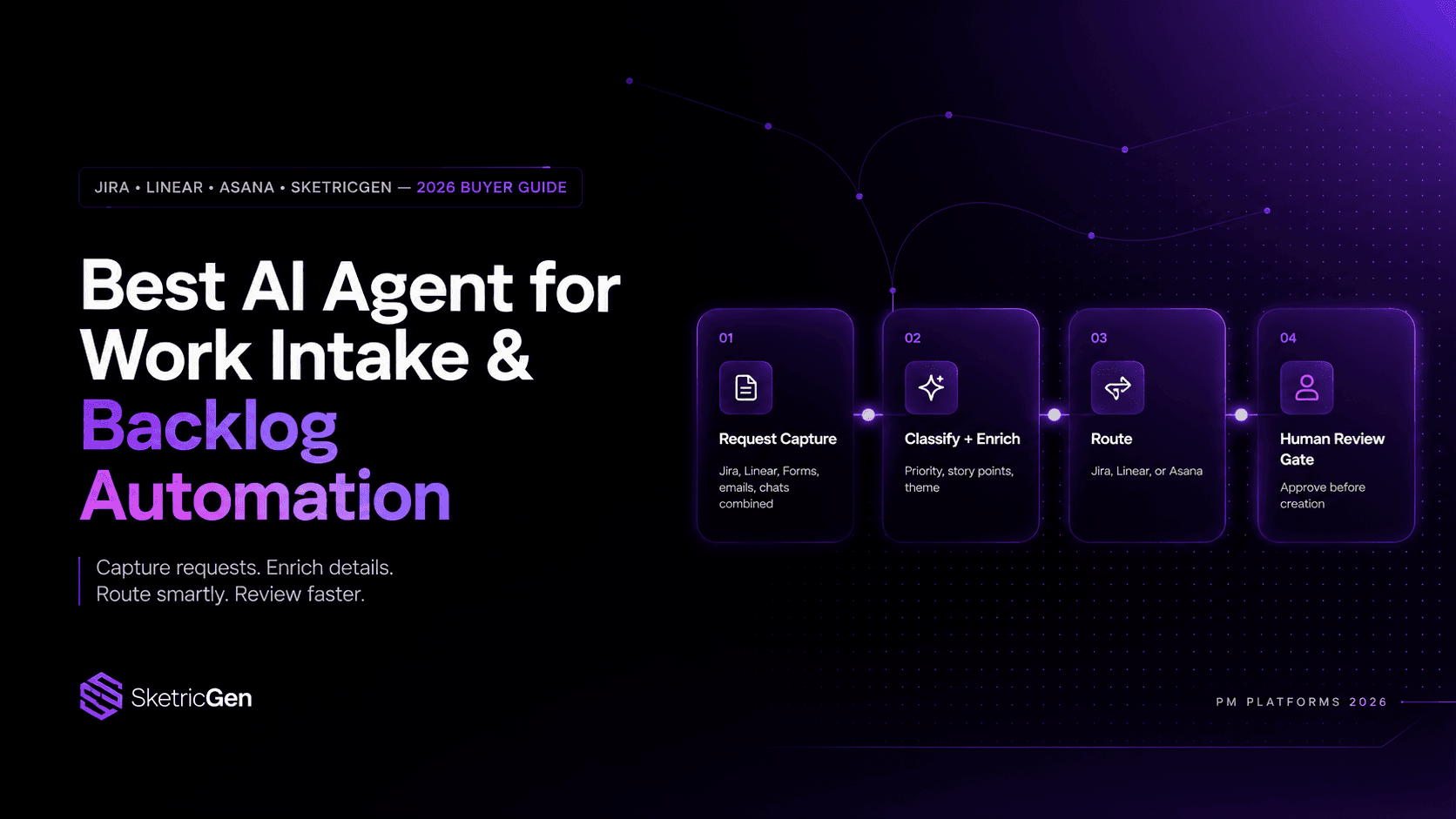
Best AI Agent for Work Intake & Backlog Automation in PM Platforms (2026)
use cases
How to Reduce Customer Churn with AI: Stop Losing Customers
use cases
How to Use AI Appointment Booking for Demos on Website
use cases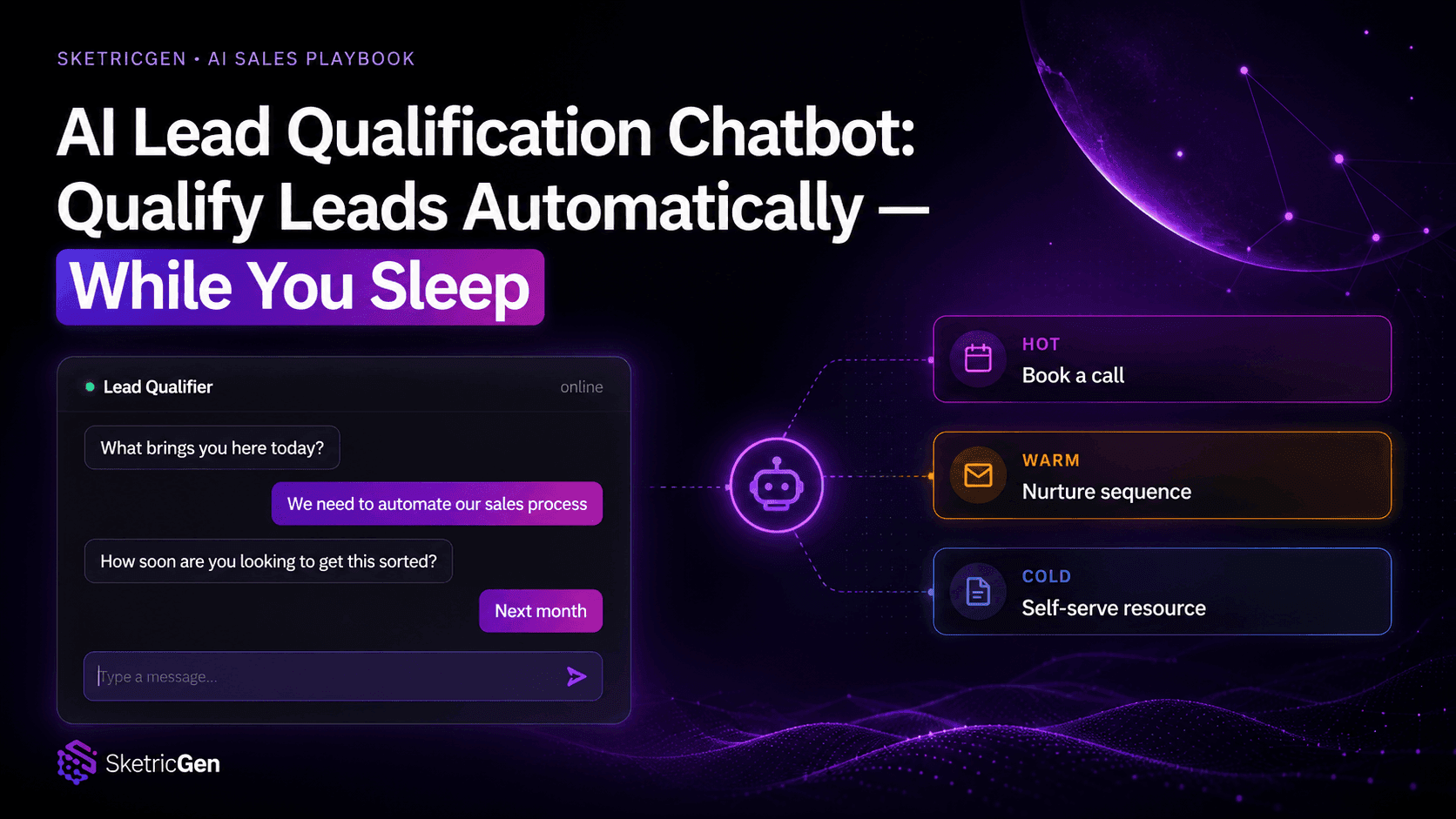
AI Lead Qualification Chatbot: How to Qualify Leads Automatically (While You Sleep)
use cases