AI Agent Orchestration Platforms: How to Choose One (2026)
Who this is for
You're looking at AI agent orchestration platforms because one agent stopped being enough. Maybe you've got three or four agents now, and they need to hand off work to each other. Maybe you're the person who answers for it when one of them fails at 2am.
This is written for founders and operators comparing no-code AI workforce builders (Lindy, Relevance AI, n8n, SketricGen) against developer frameworks (LangGraph, CrewAI, AutoGen). Not for people who just want a ranked top-10 list. There are already ten of those.
New to the concept itself? Read What Is AI Agent Orchestration? A Plain-English Guide first, then come back here. This post picks up where that one ends: you already know what orchestration is, now you need to know what to test before you buy or build it.
Key Points
- "AI agent orchestration platform" is still the least competitive search term in its cluster, and it's growing fast. Most existing content is a definition page or a ranked listicle. Almost nothing is a decision framework.
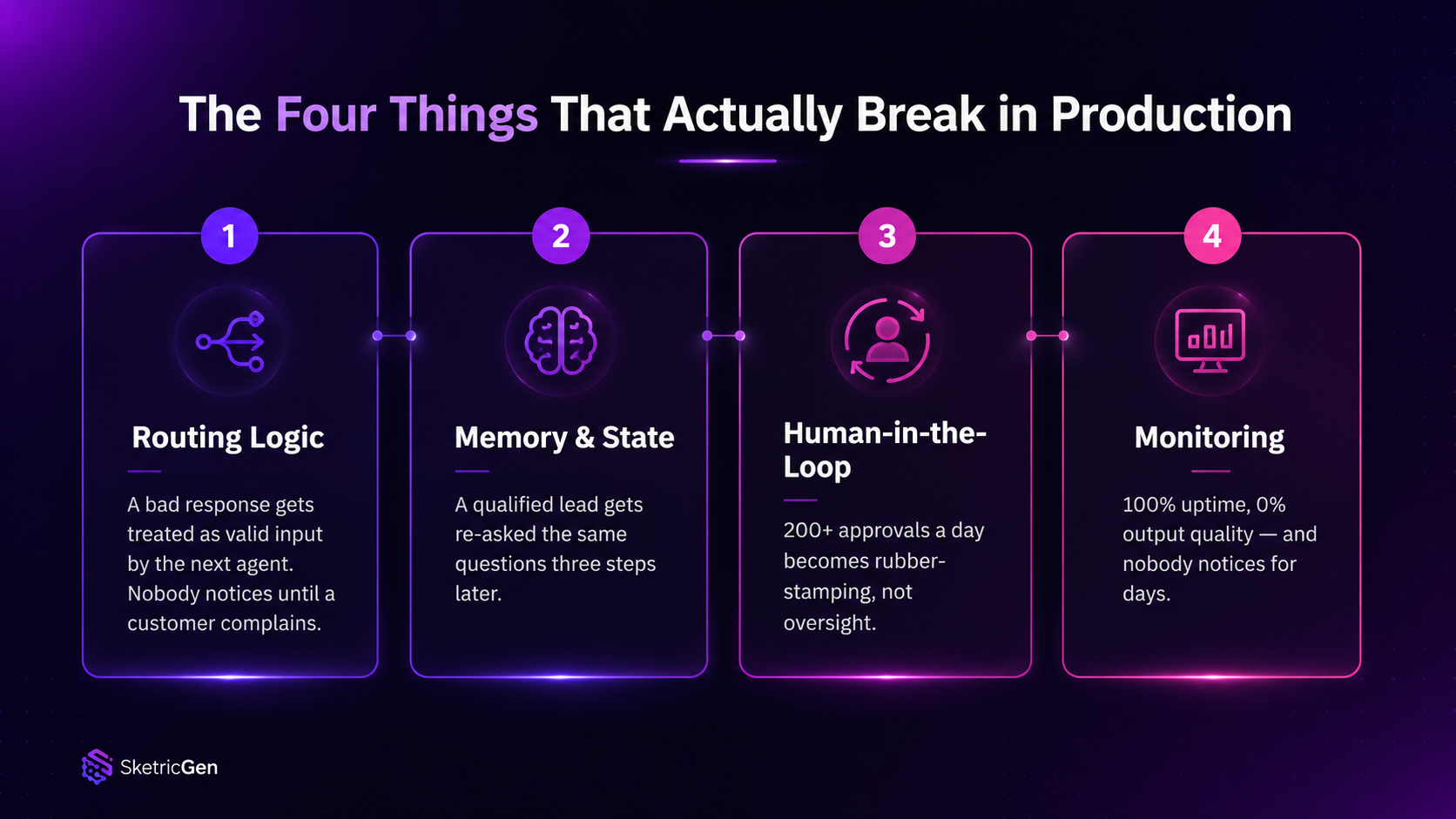
- Four things actually break in production: routing logic, memory and state, human-in-the-loop, and monitoring. Test these before you test features or pricing.
- No-code platforms win on time-to-first-agent. Developer frameworks win on control once you outgrow templates. The real question is which one you'll outgrow first. -* Approval fatigue and context loss are the two failure modes* that kill orchestration projects quietly, months after launch, not on day one.
- Your ICP matters more than the feature list. A platform built for engineering teams shipping custom agents is a bad fit for an ops team trying to automate lead routing by next week.
The short version, if you skipped the explainer
An AI agent orchestration platform is the product that runs the coordination layer for you: deciding which agent (or workflow step) handles a task, what context it gets, and what happens when nobody, human or agent, is sure what to do next. We cover the concept itself, the deterministic-vs-judgment distinction, and the named orchestration patterns (sequential, concurrent, handoff, manager-led) in the plain-English orchestration guide. This post assumes you've read that or already know it, and answers a narrower question: given all that, which product do you actually buy or build?
That question splits two ways.
Two categories answer it differently:
| Category | Examples | Best for | Tradeoff |
|---|---|---|---|
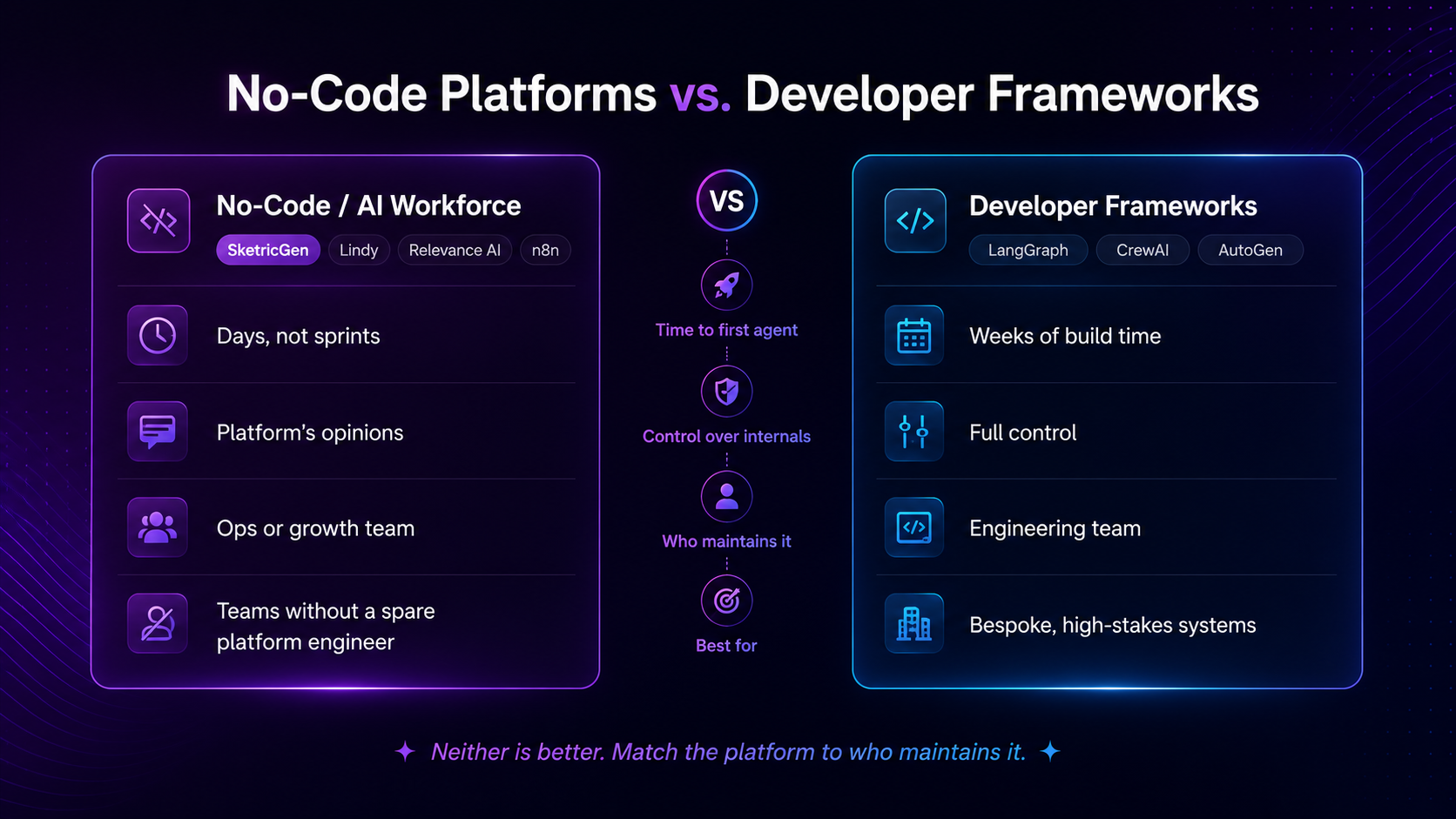
| No-code / AI workforce platforms | SketricGen, Lindy, Relevance AI, n8n | Ops and growth teams who need agents live in days, not sprints | Less control over routing internals; you inherit the platform's opinions |
| Developer frameworks | LangGraph, CrewAI, AutoGen | Engineering teams building bespoke, high-stakes agent systems | Full control, but you own routing, memory, and monitoring plumbing yourself |
Neither is "better." They solve different constraints. The mistake is picking based on which one has the flashiest demo instead of which one matches your team's actual capacity to maintain it.
Decision rule: if you don't have an engineer who wants to own agent infrastructure as an ongoing job, start no-code. You can always graduate a specific high-value agent into a framework later. Going the other way, unwinding a custom framework because your team can't maintain it, is expensive.
The four things to actually test
1. Routing logic
Routing is how the platform decides which agent (or which step) runs next. Almost every platform demos this well with three linear steps. Almost none show you what happens when step two fails, loops, or needs a fallback path.
Checklist:
| Question | Why it matters |
|---|---|
| Can you set conditional branches without writing custom code? | Determines if ops staff can maintain routing after launch, not just engineers |
| What happens when an agent returns a low-confidence or malformed response? | This is where silent failures start |
| Can one agent call another agent directly, or only through a central controller? | Direct calls are faster but harder to debug; central control is slower but auditable |
| Is there a retry/backoff policy, or do you have to build one? | Missing retry logic is the single most common cause of "it worked yesterday" tickets |
Failure mode: an agent hits an edge case, returns a partial answer, and the next agent in the chain treats it as valid input. Nobody notices until a customer complains. Fix: require an explicit confidence or status field between agent handoffs, and route anything below threshold to a human queue instead of the next agent.
2. Memory and state (ai agent memory management)
This is where most orchestration projects quietly rot. Context window limits, summary-of-summary drift, and tools that don't share state all compound the same way: the agent forgets things it should know.
Common failure patterns, documented by teams building durable agent memory layers:
- Summary degradation. Summaries get summarized again and again, and each pass loses fidelity, until the agent's "memory" is a blurry approximation of what actually happened.
- Tool isolation. Every tool in the chain owns its own narrow context. None of it compounds, so each new step starts cold.
- Vector-only retrieval gaps. Semantic search alone is weak on exact matches, timelines, and relationships between facts, which is exactly what multi-step business workflows need. (Hindsight: Why AI Agents Lose Context)
Failure mode: a lead-gen agent qualifies a prospect in step one, then a follow-up agent three steps later has no record of that qualification and re-asks the same questions. (We go deeper on where orchestration actually pays off in lead gen, and where a plain workflow is enough, in the orchestration explainer.) Fix: store structured facts (not just transcript text) between agent handoffs, and treat memory as a shared database, not a chat log each agent re-reads.
3. Human-in-the-loop (human in the loop ai agent)
Every vendor demo shows a human approving one clean decision. Nobody demos month three, when you have two hundred approval requests a day and you're rubber-stamping half of them without reading.
That's approval fatigue, and it's a documented, named failure mode: "By the fiftieth confirmation, you're tapping approve before your eyes have finished the sentence, because forty-nine of them were fine and you have work to do." (getmrmr: Approval Fatigue)
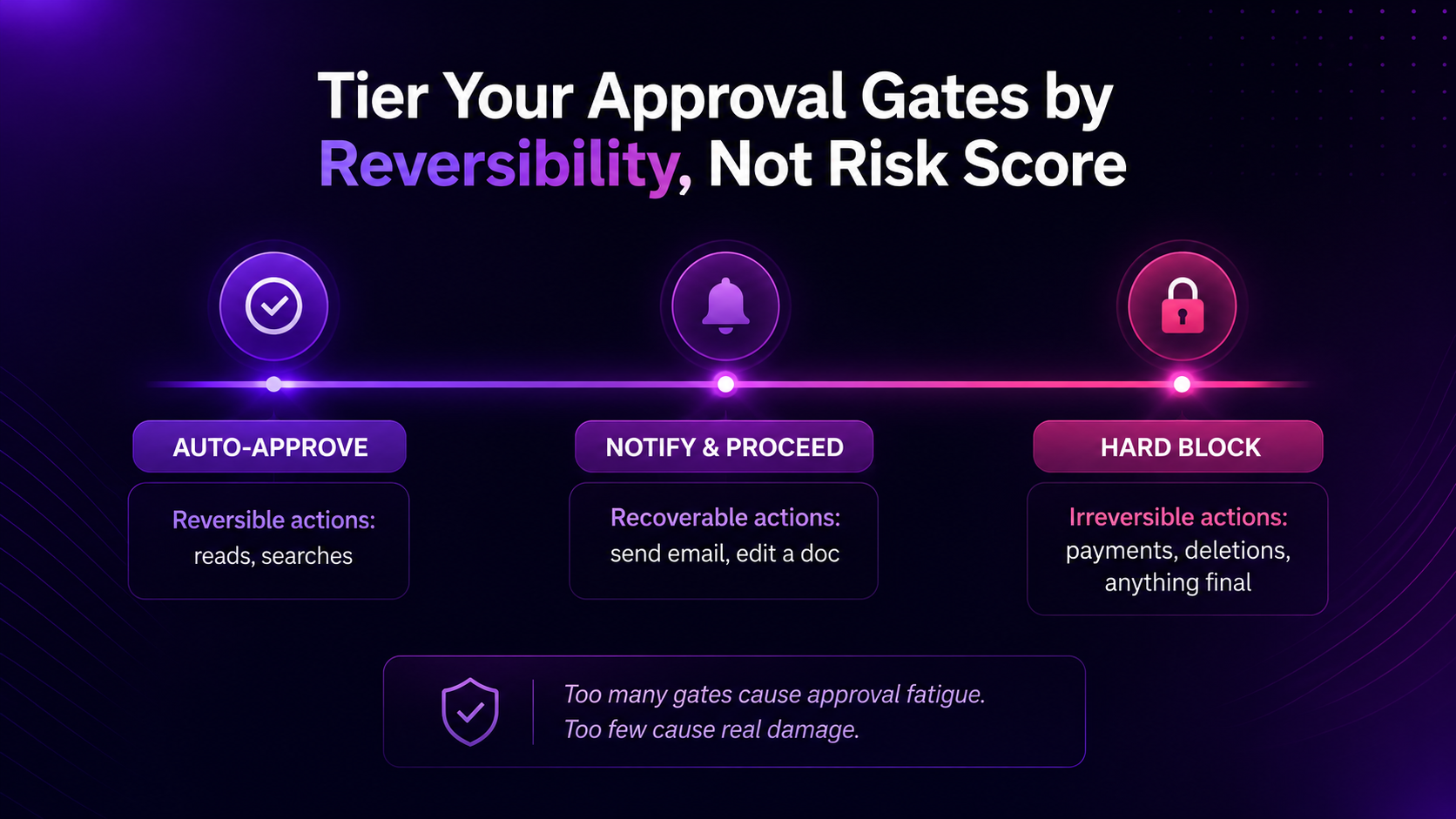
Pro tip: don't build one approval gate for every action. Build three tiers instead: auto-approve safe and reversible actions (reads, searches), notify-and-proceed for recoverable actions (an email that can be recalled, a doc that can be edited), and hard-block only for irreversible or high-stakes actions (payments, deletions, anything customer-facing and final).
Failure mode: a team sets one approval gate for every action above a risk threshold. Within two months they're at 200+ review requests a day. Six months later, approval rates are near 100% and real oversight is near zero. Fix: tier your approval gates by reversibility, not by risk score alone. Reversible actions don't need a human. Irreversible ones always do.
4. Monitoring (ai agent monitoring)
Monitoring is the checklist item teams skip until something breaks in front of a customer. It has the highest CPC of any keyword in this space for a reason: it's where the real budget conversations happen.
Ask before you commit:
- Can you see what an agent actually did, step by step, after the fact, not just the final output?
- Is there an alert when an agent's error rate or latency spikes, or do you find out from a customer?
- Can you replay a failed run to debug it, or is the context gone once the session ends?
- Who gets paged when an agent silently stops working instead of erroring loudly?
Failure mode: an agent starts silently failing (returning empty or default responses) instead of throwing a visible error. Nobody notices for days because the dashboard only tracks "ran successfully," not "ran correctly." Fix: monitor for output quality drift, not just uptime. A 100% success rate on a broken output is worse than a visible failure.
Where SketricGen fits
SketricGen is built around the same Agent-as-Tool principle we've written about before: most of a workflow should run the same way every time, and only the judgment calls should go to an agent. The platform lets you set that AI-routed vs. Designer-routed split visually, so routing logic, memory, human-in-the-loop tiers, and monitoring come packaged into one workforce layer instead of four separate things you wire together yourself.
That's the checklist above, pre-answered for teams that don't have a platform engineer to spare. It's not a claim that no-code beats every framework. It's a claim about fit: if your real constraint is time and headcount, not custom model architecture, start there and graduate specific agents into a framework later if you outgrow it.
Common mistakes teams make
| Mistake | What happens | Fix |
|---|---|---|
| Choosing a framework because it's what the engineering team wants to learn | Routing and memory get built and maintained by one person; it breaks when they leave | Match the platform to who maintains it long-term, not who's excited about it today |
| Treating "human in the loop" as one universal approval gate | Approval fatigue within 60-90 days, oversight becomes theater | Tier gates by reversibility (see above) |
| Skipping monitoring until after launch | Silent failures go unnoticed until a customer reports them | Build output-quality monitoring before go-live, not after the first incident |
| Picking based on a demo with three linear steps | Real workflows have branches, retries, and edge cases the demo never showed | Ask vendors to show a failed run, not just a successful one |
What practitioners are saying
Search results themselves make the point: a Reddit thread in r/ClaudeAI titled "Multi-agent orchestration is the future of AI coding" currently outranks most vendor product pages for this exact query. Practitioners are having this conversation in public, in more detail than most landing pages offer.
On the tooling comparison side, teams testing n8n against AI-native builders describe the split plainly: n8n gives you workflow breadth and lets you wire in agents, memory, or vector search yourself, but "you end up managing more moving parts," while AI-first platforms trade some of that flexibility for a system that decides its own execution path. (Lindy: n8n vs Relevance AI comparison)
Author's take
I've watched two teams make the opposite mistake with this decision. One picked a developer framework because it was the most technically impressive option in the room, then spent six weeks building retry logic and a monitoring dashboard that a no-code platform would have shipped with on day one. Another picked a no-code builder for a genuinely custom, high-stakes workflow that needed fine-grained control the platform didn't offer, and hit a wall at month four.
Neither team was wrong to consider their choice. They were wrong about what they were actually solving for. Orchestration platform choice isn't a technology decision first. It's a staffing and maintenance decision wearing a technology costume.
If I were choosing today, I'd ask one question before anything else: a year from now, who is going to be the person that gets paged when this breaks, and do they want that job? The answer tells you more than any comparison table, including the ones in this post.
Related reading
- What Is AI Agent Orchestration? A Plain-English Guide (2026): the concept, the deterministic-vs-judgment split, and named orchestration patterns this post builds on.
Next step
If your team is closer to "we need agents live this quarter" than "we want to build our own orchestration layer," start with a platform that already handles the four failure surfaces above. See how SketricGen handles agent-to-agent handoffs before you commit to building it yourself.
FAQs
There isn't a single best one. There's a best fit. Teams without dedicated platform engineers tend to do better with no-code builders like SketricGen, Lindy, or n8n. Teams building genuinely novel, high-control agent systems tend to do better with frameworks like LangGraph or CrewAI. Match the platform to who will maintain it, not to a ranked list.
Test the four failure surfaces before you test features: routing logic under edge cases, memory and state across multi-step handoffs, human-in-the-loop approval design, and monitoring for silent failures, not just uptime. A platform that demos well on a clean happy path can still fail all four of these.
Yes, if you have engineering capacity to maintain it. LangGraph and AutoGen are the most established open source developer frameworks for agent orchestration. They give you full control over routing and memory, but you build and maintain that plumbing yourself. Open source is a capacity tradeoff, not a free lunch.
Volume, difficulty, and price comparisons matter less than failure-mode comparisons. A real comparison should show what happens when an agent fails mid-workflow, how approval fatigue is handled at scale, and whether monitoring catches silent quality drift, not just downtime.
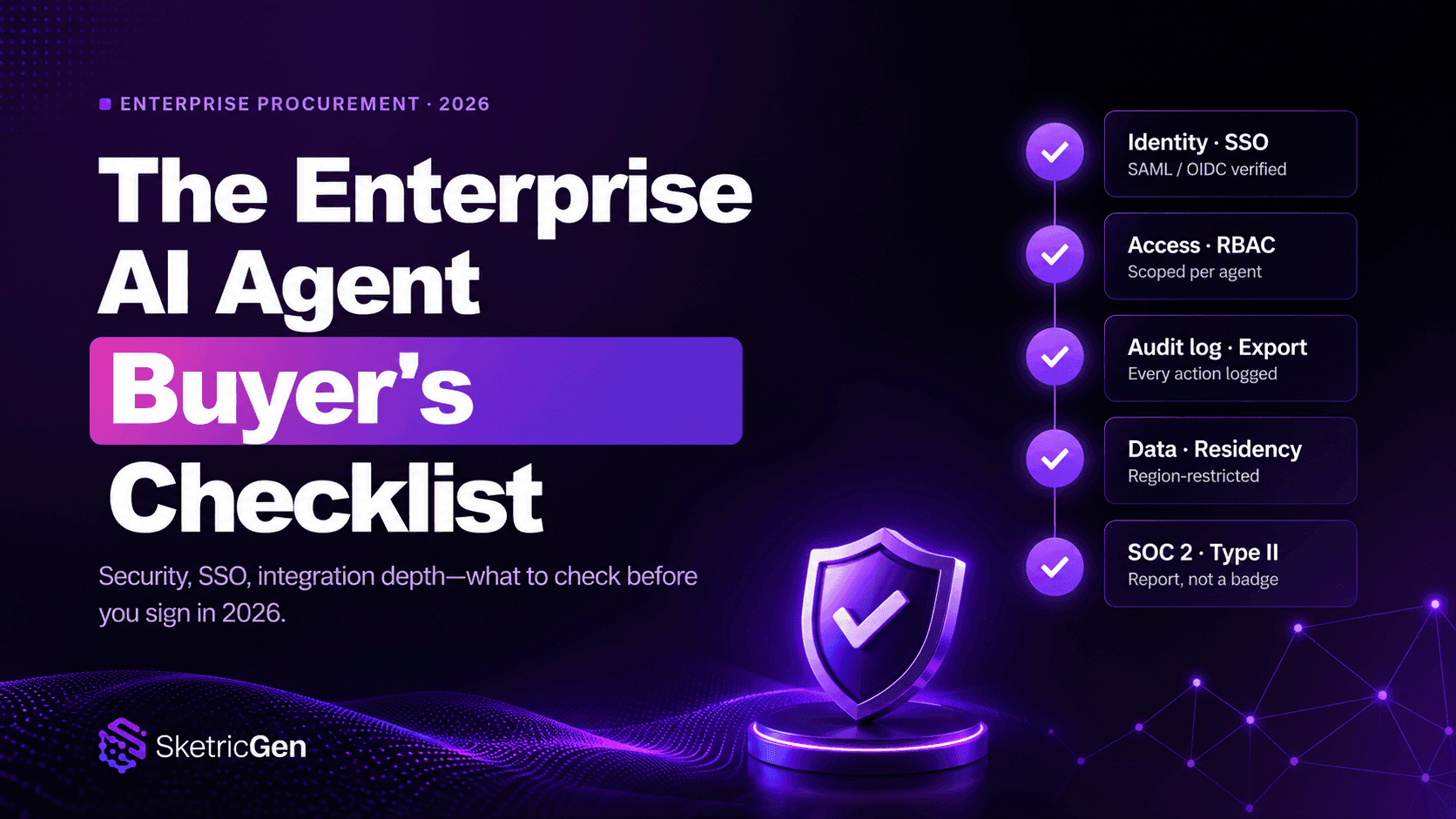
Only if you have enterprise-specific requirements: SOC 2 or ISO 27001 compliance, granular access controls, audit logging, or multi-team governance. Most small and mid-size teams need the four core capabilities in this checklist more than they need an "enterprise" label.
Practitioner threads consistently raise two concerns that vendor pages underplay: approval fatigue in human-in-the-loop setups, and context or memory loss across multi-step agent handoffs. Both show up repeatedly in this post's checklist for exactly that reason.
A platform is a managed product with routing, memory, and monitoring built in. A framework (like CrewAI or LangGraph) is a toolkit you use to build your own orchestration layer. Platforms trade some control for speed. Frameworks trade speed for control.
Related blogs
View more
AI Executive Assistant vs. AI Chief of Staff: The Difference That Actually Matters
comparisons
AI Email Assistant: Why Drafting Isn't the Problem (and What Actually Fixes Inbox Overload)
comparisons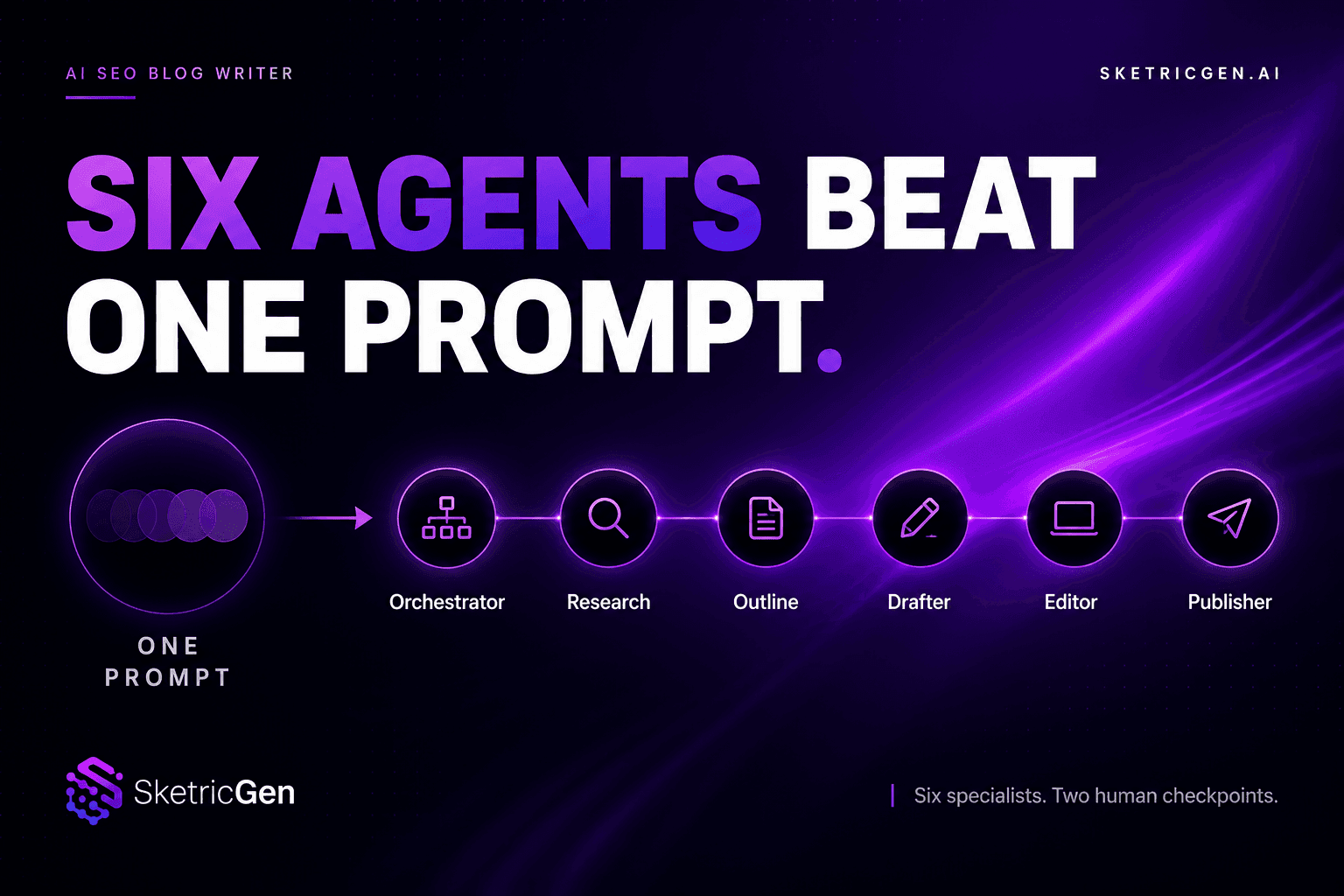
AI SEO Blog Writer: Six Agents Beat One Prompt
comparisons
OpenAI Agent Builder vs. Google Vertex AI Agent Builder vs. No-Code Alternatives (2026)
comparisons
Best AI Agent Builder for Small Business Teams (2026 Buyer's Guide)
comparisons