AI Agent Platform vs. AI Agent Builder: What's the Difference (2026)
If you've been searchin this exact question, you're not alone. In the Reddit thread in r/AI_Agents people asked almost same thing outright: when does a workflow stop being enough, and when do you actually need an agent? That confusion is the whole reason this post exists.
Here's the short answer. An AI agent builder is where you get to design and assemble an agent: prompts, logic, tool connections. An AI agent platform is what runs that agent once it's live: orchestration, monitoring, governance, and scale. Most builders include a bit of platform. Most platforms include a builder. The distinction still matters, because it tells you what to check before you buy.
This is a guide for teams evaluating tools for lead generation and GTM automation, not developers looking for an SDK. If you've already tried a no-code tool and hit a wall, this read will explain why, and what to check next. New to the space entirely? Check SketricGen's AI agents guide which covers the fundamentals first.
Key Points
- A builder is a design-time tool. A platform is a runtime and governance layer.
- Practitioners on Reddit and Quora are already sorting tools into these two camps, independent of vendor marketing.
- For lead generation, agents earn their cost on judgment calls: research, enrichment, follow-up. Plain if/then plumbing works fine as a basic workflow.
- The real decision criterion is your agent's lifecycle stage, not a feature checklist.
- Most teams end up needing both a builder and a platform. The question is whether that's two disconnected tools or one connected system.
AI Agent Builder vs. AI Agent Platform: The Core Difference
An AI agent builder is a design-time tool. It gives you a visual or no-code UI to configure prompts, connect data sources, and wire up tool calls. Its job is to help you assemble an agent quickly.
An AI agent platform is a runtime and governance layer. It's what keeps that agent running reliably once it's live: orchestration across multiple agents, execution traces for debugging, access to a library of integrations, and monitoring for when something breaks.
Put plainly: a builder answers "how do I put this agent together?" A platform answers "how does this agent keep working once real customers depend on it?"
What Is an AI Agent Builder?
A builder is where prototyping happens. You describe what the agent should do, connect a few tools, and test it in minutes. That speed is the entire value proposition, and it's a big part of why no-code adoption keeps accelerating among tech founders.
Builders are also where non-technical teams get the furthest fastest. One Reddit user building agents for clients described the whole process in four steps: give it knowledge, write the system prompt in plain English, add an action if needed, publish. No code required for any of it.
But there's a ceiling. Quora sourcing on this exact question describes it well: a non-technical team can build 85% of an agent on their own. The remaining 15% is the actually hurdle for most: edge cases, messy real-world input, and debugging that starts to require reading logs or API responses.
Practitioner reality check: Quora sourcing on non-technical AI agent building consistently lands on the same split. Most of a builder-made agent is easy to assemble, but production-grade reliability is where the gap opens up. A Reddit user going through the same struggle put it more simply: they wanted a step-by-step guide because even prior posts on the topic "feel like they get technical pretty fast."
That gap, the 15% that's hard, is exactly what a platform is built to close.
What Is an AI Agent Platform?
A platform starts where a builder stops. It adds orchestration layer(coordinating multiple agents or steps), execution traces (so you can see why an agent made a decision and which connectors/skills were called), governance (approval steps, audit logs), and an integration layer so the agent can actually reach your other tools and have cross reasoning between them.
One Reddit practitioner who tested a dozen agentic workflow tools in 2026 summarized the shift bluntly: "the workflow layer matters more than the model now." Model quality is getting commoditized. Execution, orchestration, tracing, and reliability are what decide whether an agent actually ships to production, or stays a demo.
That's the platform's job. Not to make the agent smarter. To make it dependable.
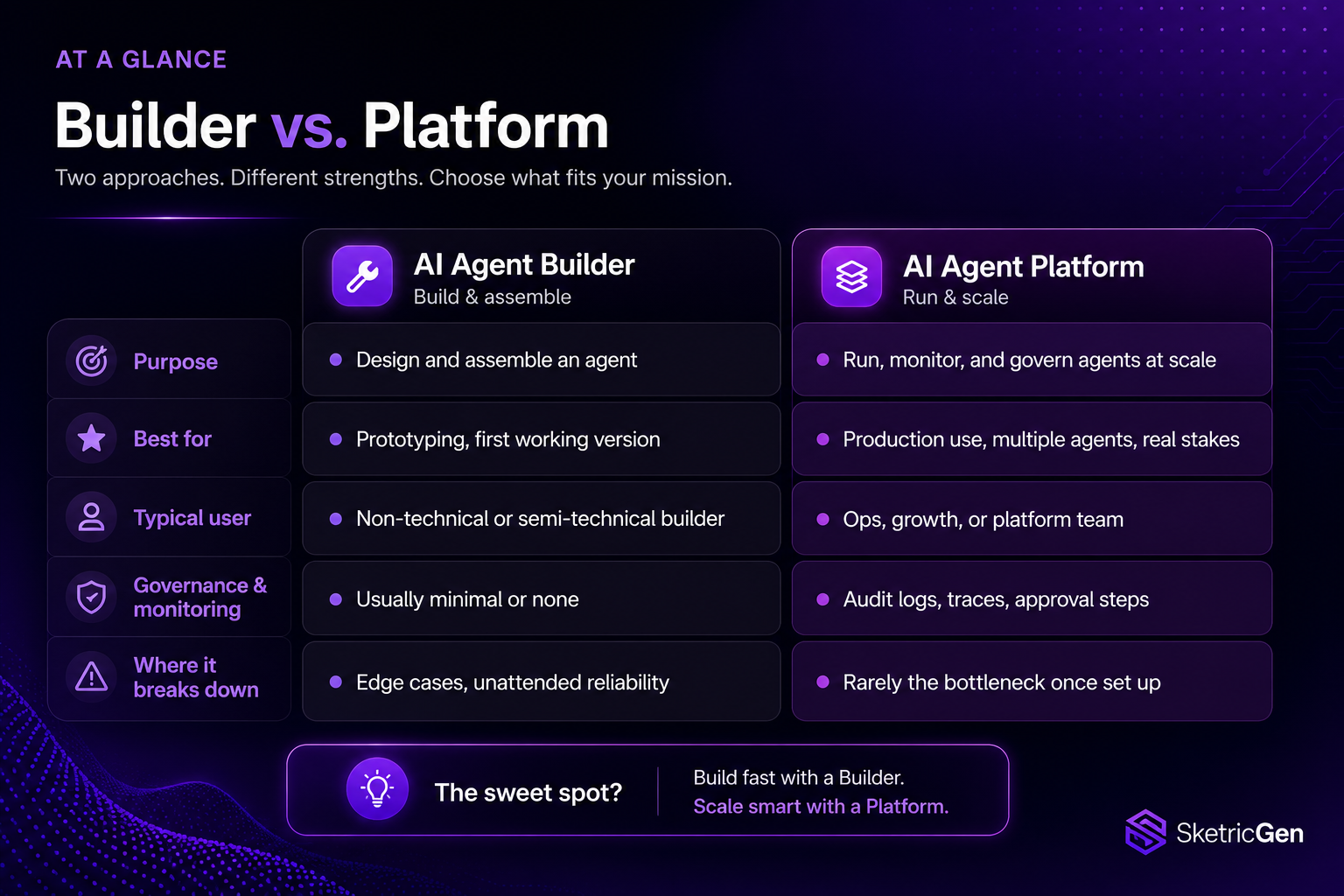
Builder vs. Platform at a Glance
| AI Agent Builder | AI Agent Platform | |
|---|---|---|
| Purpose | Design and assemble an agent | Run, monitor, and govern agents at scale |
| Best for | Prototyping, first working version | Production use, multiple agents, real stakes |
| Typical user | Non-technical or semi-technical builder | Ops, growth, or platform team |
| Governance and monitoring | Usually minimal or none | Audit logs, traces, approval steps |
| Where it breaks down | Edge cases, unattended reliability | Rarely the bottleneck once set up correctly |
| Example tools mentioned in current discussions | Zapier, n8n, Voiceflow, Botpress | Copilot Studio, Salesforce Agentforce, LangGraph |
Where the Confusion Actually Comes From
Some of this is just market noise. Search-mention data on "ai agent builder" skews toward workflow-automation brands like Zapier, Make, and n8n, more than toward purpose-built agent platforms. Buyers are conflating "agent builder" with generic no-code automation, and vendors haven't done much to clear that up.
Reddit practitioners have started calling this out directly. One user reviewing no-code options a year into using them put it plainly: a well-known workflow tool is "essentially a wrapper on LangChain," useful, but closer to a developer's automation tool wearing a visual interface than a true no-code agent experience.
Even Google's own AI Overview blurs the line: a search for "no-code AI agent platform" currently surfaces a "no-code AI agent builder" article in the related-questions block. The two terms are tangled at the search-engine level too, not just in casual conversation.
If you want the deeper cut on this exact distinction, see SketricGen's breakdown of workflow builders vs. agent builders.
The Lead-Generation Use Case: Where Agents Actually Save Time
This is where the confusion has the highest cost, because lead generation is where most teams first try to justify the spend.
Here's where agents earn it, based on what practitioners report:
- Account and contact research: pulling and organizing information before a rep ever reaches out.
- Data enrichment: filling in missing details on a lead automatically.
- Intent classification: telling the difference between "just exploring" and "ready to buy this week."
- Personalized follow-up: drafting a next message based on what the lead actually said, not a generic template.
And here's where they're overkill. One team that rebuilt their lead pipeline around agents learned this the hard way. They initially routed everything through an agent, including simple tasks like sending a confirmation email or updating a CRM field on a date. It was slower and more expensive for no reason. They moved that logic back to a basic workflow and kept agents only for the parts that need real judgment.
What practitioners are saying: "Turns out a lot of lead management is just plumbing. If then. No judgment required. We moved all that back to workflows, and now agents only handle the parts that actually need understanding." A law firm that combined an intake agent with workflow orchestration reported a 40% drop in no-shows after automating lead screening and scheduling reminders end to end.
The pattern holds. Agents are worth the cost for judgment calls. Workflows are worth keeping for everything else. Forcing every step through an agent adds cost and latency without adding value.
If you want a concrete example of turning agent output into clean, usable data your CRM can actually work with, see SketricGen's structured-output template, built for exactly this handoff.
How to Decide Which One You Actually Need
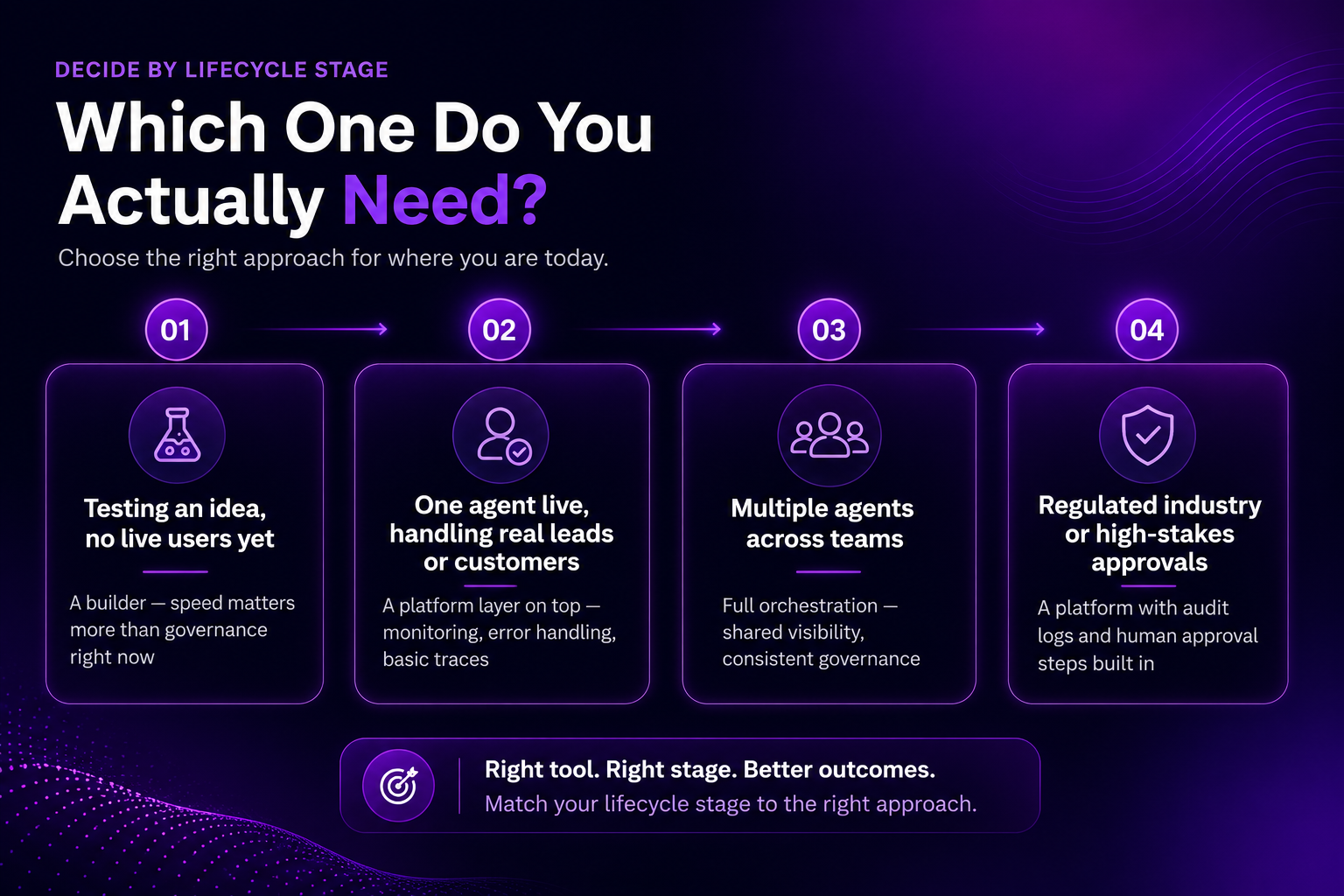
Skip the feature checklist. Start with where your agent actually is in its lifecycle.
| If you're here... | ...you probably need |
|---|---|
| Testing an idea, no live users yet | A builder. Speed matters more than governance right now. |
| One agent live, handling real leads or customers | A platform layer on top: monitoring, error handling, basic traces. |
| Multiple agents across teams | Full orchestration: shared visibility, consistent governance. |
| Regulated industry or high-stakes approvals | A platform with audit logs and human approval steps built in, not bolted on later. |
Two practical checks, drawn from someone who has built more than 20 of these for clients:
- Does it stay grounded? Test whether the tool can be locked to only answer from your content, and whether it admits when it doesn't know something. A confident wrong answer is worse than a dumb one.
- What does the free tier actually withhold? Most tools look similar on the surface. The real difference shows up in what the free plan blocks: lead capture, message limits, integration caps.
One more expectation to set going in. Recent practitioner testing puts roughly 70 to 80% of common business workflows as buildable no-code today. The remaining 20 to 30% still benefits from low-code or developer support. Plan for that split rather than assuming either extreme.
Best AI Agent Platforms and Builders in 2026 (Quick Comparison)
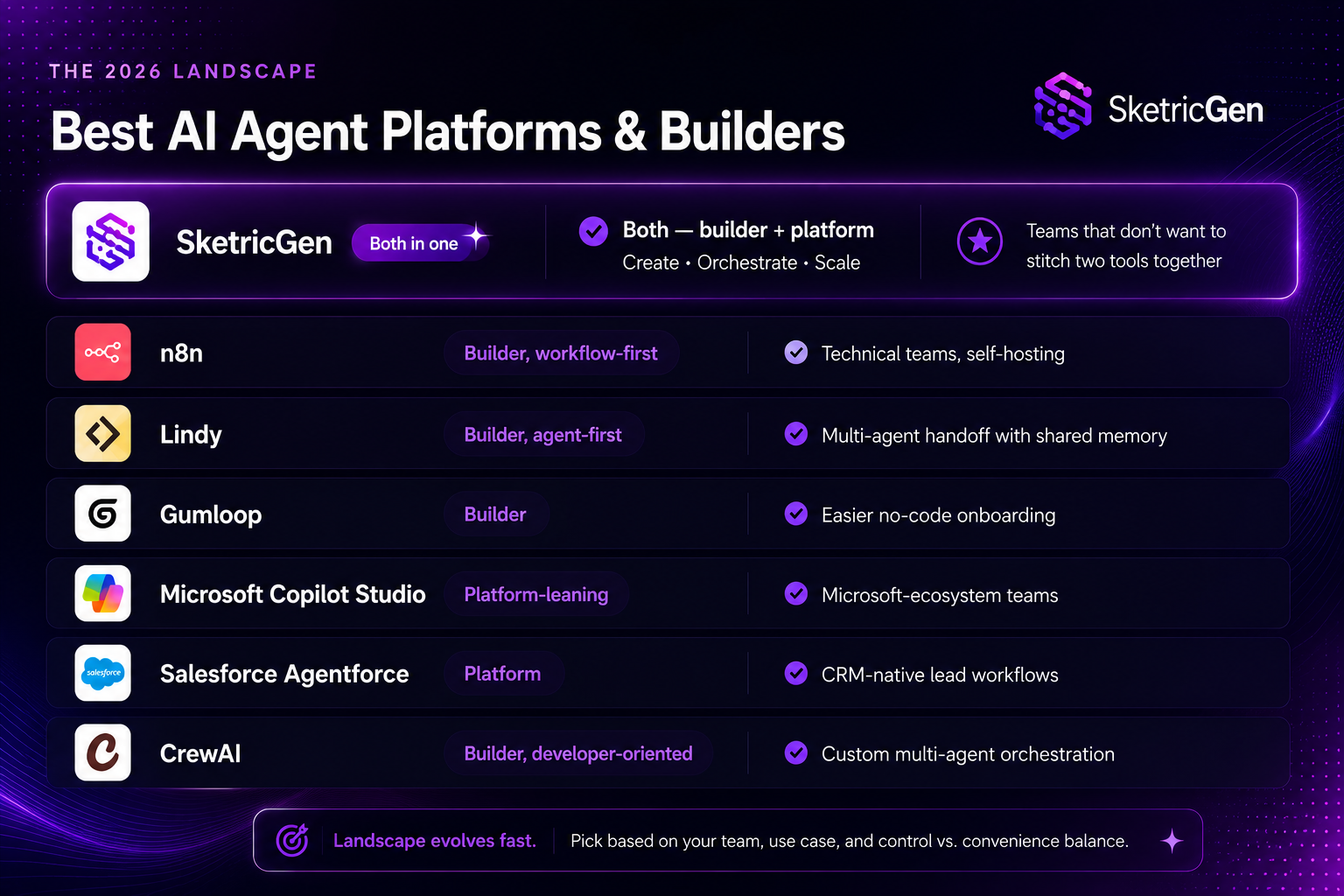
| Tool | Category | Best for | Known limitation |
|---|---|---|---|
| SketricGen | Both (builder + platform) | Teams that don't want to stitch two tools together | Newer entrant in the "both in one" category; evaluate against your specific integration list |
| n8n | Builder, workflow-first | Technical teams, self-hosting | Practitioners describe it as closer to a developer automation tool than pure no-code |
| Lindy | Builder, agent-first | Multi-agent handoff with shared memory | Primarily a builder; production governance is thinner than a full platform |
| Gumloop | Builder | Easier no-code onboarding | Paid SaaS commitment, no self-hosting option |
| Microsoft Copilot Studio | Platform-leaning | Microsoft-ecosystem teams | Reddit cost complaints specifically about pricing at scale |
| Salesforce Agentforce | Platform | CRM-native lead workflows | Most valuable if you're already deep in Salesforce; less useful outside it |
| CrewAI | Builder, developer-oriented | Custom multi-agent orchestration | Requires real engineering comfort, not a true no-code option |
This list reflects current 2026 practitioner discussion and public positioning, not a paid ranking. Confirm current pricing and feature scope directly with each vendor before deciding.
Why Most Teams End Up Needing Both
The pattern across every source in this post is the same. Teams start in a builder, hit a wall around governance or reliability, and end up needing a platform anyway. The tools that keep winning practitioner recommendations in 2026 are the ones that removed that second step entirely.
That's the model SketricGen is built on. AgentSpace covers the builder layer: visual, no-code agent design. Orchestration, execution traces, and a 2,000+ app marketplace cover the platform layer: running, monitoring, and scaling that same agent once it's live. You can see how the two connect directly in the SketricGen dashboard.
If you want the deeper technical detail on orchestration and governance, SketricGen's documentation covers how agents run and get monitored in production.
Author Take - Sam
I've watched enough teams build their first lead-gen agent to notice the same failure pattern every time. They pick a builder based on how fast the demo looks, not on what happens in week three. The demo always looks good. Week three is where you find out whether the agent handles a lead that doesn't fit the happy path.
My honest take: if your agent touches revenue, even indirectly, don't evaluate the builder alone. Evaluate what happens after it ships. Ask who sees the error when it fails at 2 a.m., and what they can actually do about it without opening a support ticket. If nobody can answer that question, you don't have a platform yet. You have a demo with a monthly bill.
The Bottom Line
Stop asking whether you need a builder or a platform. Ask where your agent actually is: prototype, one live agent, or multiple agents across teams. That answer tells you what to buy.
Most teams building lead-gen agents will need both eventually: something to design the agent, and something to keep it reliable once it's handling real leads. The only real choice left is whether that's one connected system or two tools you have to stitch together yourself. If you'd rather start with one, see current SketricGen plans.
FAQs
A builder is a design-time tool for assembling an agent's prompts, logic, and tool connections. A platform is the runtime and governance layer that runs, monitors, and scales that agent once it's live. Many products include both, but the distinction matters when you're evaluating what happens after launch, not just how the demo looks.
Not exactly, though the confusion is common and even shows up in search-mention data. Workflow tools like Zapier, Make, and n8n are strong at connecting apps and running predictable, rule-based steps. A true agent builder is designed around the model deciding what to do next, not just following a fixed path. Some tools blend both.
A no-code AI agent platform lets you build and run agents without writing code, while also handling orchestration, monitoring, and governance once agents are live. For lead generation specifically, this matters because a broken or unmonitored agent doesn't just fail quietly. It can lose real leads or send the wrong message to a prospect.
For simple agents, yes. Practitioner and Quora sourcing consistently describes non-technical teams getting roughly 85% of a build done on their own. The remaining share, usually edge cases and production reliability, is where some technical support still helps, especially once the agent is handling real customers or revenue.
It depends on the task. Agents earn their cost on judgment calls: research, enrichment, intent classification, and personalized follow-up. Simple, predictable steps, like updating a CRM field or sending a confirmation email, are usually cheaper and more reliable as a basic workflow. Most practitioners end up running both side by side.
Check two things before anything else: whether the tool stays grounded and admits when it doesn't know something, and what its free tier actually withholds. Beyond that, match the tool to your lifecycle stage. A builder for prototyping, a platform for anything running unattended with real stakes attached.
Related blogs
View more
AI Executive Assistant vs. AI Chief of Staff: The Difference That Actually Matters
comparisons
AI Email Assistant: Why Drafting Isn't the Problem (and What Actually Fixes Inbox Overload)
comparisons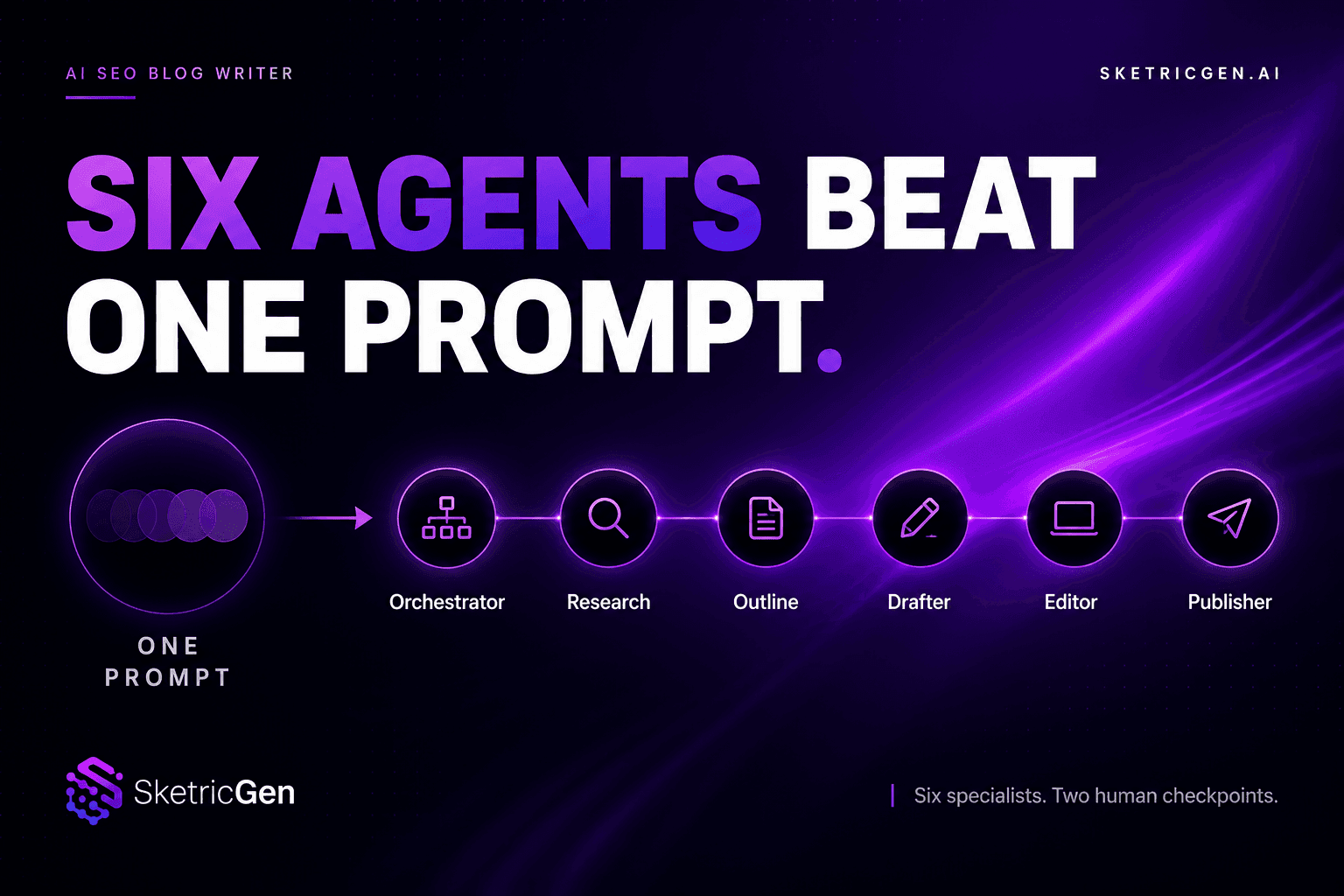
AI SEO Blog Writer: Six Agents Beat One Prompt
comparisons
OpenAI Agent Builder vs. Google Vertex AI Agent Builder vs. No-Code Alternatives (2026)
comparisons
Best AI Agent Builder for Small Business Teams (2026 Buyer's Guide)
comparisons