How to Connect an MCP Server to Your AI Agent (Step-by-Step)
A founder I spoke to last week spent two hours trying to wire the GitHub MCP into Claude Code, hit a Bearer token error he could not parse, and gave up. He is not alone. A public issue on the claude-code repo describes the exact same flow, with no clear fix.
Connecting an MCP server to your AI agent is genuinely simple if you pick the right path. It is genuinely painful if you pick the wrong one. This guide gives you three paths, a decision rule for each, and the failure modes to avoid. By the end, you will know exactly how to ship your first MCP-powered workflow this week.
If you are new to MCP, start with the MCP explainer in plain English first. This post assumes you already know what MCP is and you want to wire it.
At a Glance
| MCP Server | Best for | Setup difficulty | Where it lives |
|---|---|---|---|
| Claude MCP (first-party) | Cross-tool reasoning inside Claude Desktop | Low (Extensions one-click) | Built into Claude Desktop |
| GitHub MCP | Repo, issue, PR automation for engineering | Medium (auth setup) | github.com/github/github-mcp-server |
| Slack MCP | Team comms automation, ticket triage | Medium (OAuth or session token) | Official Slack MCP |
| Notion MCP | Knowledge base, docs, databases | Low (hosted, OAuth) | developers.notion.com/guides/mcp |
| Google Sheets MCP | Reporting, light DB use, spreadsheet ops | Low to Medium (Google OAuth) | Multiple community servers |
Tested across founder, RevOps, and ops workflows on SketricGen. The path you pick matters more than the server you pick.
Summary
- Three paths exist to connect an MCP server to an agent: client config, a no-code platform, or a custom server build.
- Most non-dev teams should pick a no-code platform once they need 2 or more tools wired together.
- Claude Desktop's Extensions directory is the fastest single-tool option (one click, no JSON).
- Auth and tool overload kill more setups than the protocol itself ever does.
- Pick the workflow you want to ship first. Then pick the MCPs and the path. Reverse this and you will burn a weekend.
What is an MCP server (90-second refresher)
MCP, or Model Context Protocol, is an open standard from Anthropic that lets AI agents talk to tools through a single shared interface. Instead of building a custom integration for Slack, then GitHub, then Notion, you connect an MCP server once and your agent can use that tool the same way it uses any other.
It is now governed by the Linux Foundation, supported natively by Anthropic, OpenAI, Google, and Microsoft, and shipped in clients like Claude Desktop, Cursor, ChatGPT, and Claude Code.

For the full breakdown, see How to Build and Use MCPs in 2026.
Popular MCP servers you'll likely connect first
You don't need 25 MCP servers. You need the two or three that match your team's daily work.
- Claude MCP (first-party connectors). Anthropic's own connectors for Drive, Gmail, Calendar, Slack, GitHub, Notion, and more, listed in the Claude Extensions directory. One-click install, Anthropic-reviewed.
- GitHub MCP. Lets an agent read repos, manage PRs, search code, and create issues. Engineering and product teams use it to automate stand-ups and PR follow-up.
- Slack MCP. Turns Slack into an automation surface. Your agent can search channels, send messages, manage canvases, and trigger downstream actions. The official Slack MCP plugin supports natural-language interactions.
- Notion MCP. A hosted MCP server that gives agents secure access to your Notion workspace. Per Notion's MCP docs, it works with Claude, Cursor, ChatGPT, and most MCP clients out of the box.
- Google Sheets MCP. Several community servers exist; pair with a CRM or Slack MCP to build "Friday revenue digest" style flows in minutes.
A live registry of MCP servers (community + first-party) lives at modelcontextprotocol.io, and our shortlist of the best MCP servers covers which ones hold up in production.
Before you connect: what you need ready
You need three things, in this order:
- One workflow you actually want to ship. Not "connect Slack," but something specific like "auto-triage feedback in #customer-pain into Linear tickets."
- Credentials for each tool the workflow touches. API keys, OAuth access, or workspace tokens. Save these in a password manager, not a text file.
- An MCP-compatible client (Claude Desktop, Cursor, Claude Code) or a no-code platform with native MCP support. This decision is the rest of the post.
Pro tip: Pick the workflow first, then the tools, then the path. Most teams reverse this and end up with five MCPs connected and zero workflows live.
How to connect an MCP server to your AI agent: three paths
The three paths in one table:
| Path | Best for | Time to first workflow | Code required | Tradeoff |
|---|---|---|---|---|
| A. Client config (Claude Desktop / Cursor) | One MCP, single user, dev-comfortable | 15 to 60 min | Some (JSON edit) | You manage auth, restarts, conflicts yourself |
| B. No-code platform | 2+ MCPs, mixed teams, ops-led workflows | 5 to 20 min | None | You depend on the platform's MCP coverage |
| C. Build your own server | Internal/proprietary tool, no existing MCP | Days to weeks | Yes | Full control, full maintenance |

Path A: Connect via Claude Desktop (or a similar client)
This is the canonical setup for one tool, one user, one workstation.
Option 1: Extensions directory (easiest). Open Claude Desktop, go to Settings → Extensions → Browse extensions, and pick a server (Notion, Slack, GitHub, etc.). Click Install. Authenticate when prompted. Done.
Option 2: Manual JSON config. Open Settings → Developer → Edit Config and add an entry like:
{
  "mcpServers": {
    "github": {
      "command": "npx",
      "args": ["-y", "@modelcontextprotocol/server-github"],
      "env": {
        "GITHUB_PERSONAL_ACCESS_TOKEN": "your_token_here"
      }
    }
  }
}
Save the file. Quit Claude Desktop completely. Reopen. Click the + in the chat box and select Connectors to confirm the server is loaded and tools are visible.
Pick this path if: you want one MCP, you are comfortable editing config files, and you already use Claude Desktop, Cursor, or Claude Code as your daily driver.
Mistake to avoid: never paste a Bearer token directly into the visible config. Use environment variables and a secrets manager. Public Claude Code issues are full of "auth: not authenticated" reports tied to bad token formatting and clock drift.
Path B: Connect via a no-code platform
If your team is mixed (founder + ops + one engineer), or you need more than one MCP working together, this path is faster and more reliable.
A no-code platform handles MCP wiring under the hood. You connect tools through a UI, then chain them in a visual workflow builder. There is no JSON, no manual restart, no Bearer-token debugging.
The flow on SketricGen, for example:
- Pick the tool from the connector library (Slack, GitHub, Notion, HubSpot, Sheets, and so on).
- Connect via OAuth in one click. Credentials are encrypted and managed for you.
- Drag the MCP into a workflow in Max Agent Builder or describe the workflow in plain English and let Max build it.
- Publish. The agent runs through the same MCP layer, but you never touch a config file.
Pick this path if: you have 2+ tools, you want production-grade observability, your team is non-technical, or you want the workflow to be portable across AI providers.
Path C: Build your own MCP server
Sometimes you have an internal tool no one has built an MCP for yet, like a homegrown CRM, a legacy database, or an internal billing system. In that case, you build.
The high-level flow:
- Define the tools your server will expose (one per high-value action).
- Implement the handlers (read, write, list).
- Add auth (OAuth 2.1 or scoped tokens, never static keys).
- Register transport (stdio, HTTP, SSE).
- Test locally, then deploy.
Start with the official MCP server quickstart and the Red Hat guide to building a simple agentic AI server with MCP. Budget days, not hours.
Pick this path if: the tool genuinely doesn't have an MCP yet, the workflow is high-leverage enough to justify the build, and you have an engineer who can own it.
Three short case studies
To make this concrete, here is what each MCP unlocks in one workflow.
Slack MCP, auto-triage feedback into tickets. Agent watches #customer-feedback, classifies messages with phrases like "bug," "broken," or "can't access," creates a Linear or Jira ticket, and replies in the thread with the ticket link. Ops time saved: roughly 30 minutes a day for a 5-person support team.
GitHub MCP, chase idle PRs. Agent runs every weekday morning, scans open PRs older than 48 hours, pings the assignee in Slack, and writes a one-line summary into the team's stand-up doc. Engineering managers stop being the human reminder service.
Notion MCP, turn meeting transcripts into action items. Agent reads a meeting transcript, extracts decisions and owners, and writes them as rows in a Notion database with deadlines. RevOps teams use this to keep deal reviews from leaking.
What practitioners are saying: Across public Claude Code issues and a March 2026 deep-dive on auth, the same pattern repeats. People can write the workflow. They get stuck on auth, OAuth callbacks, and token expiry. The teams that ship pick a path that handles auth for them or assign one engineer to own MCP plumbing.
Why thinking MCP-first matters when picking a platform
MCP is now the de facto standard. It is governed by the Linux Foundation. OpenAI, Google, and Microsoft all support it. That means an MCP-based workflow is portable: the GitHub MCP you wire today works tomorrow if you switch model providers.
Pick a platform that uses MCP under the hood and you inherit that portability. Pick a closed integration system and you do not.
This is part of why SketricGen is built around MCP. We are not the only platform making that choice, but it is the choice we would tell any team to make in 2026.
Common mistakes (and how to avoid them)

- Connecting too many MCP servers at once. InfoWorld's MCP coverage notes that running 10+ servers can blow your context budget. Enable only what the active workflow uses.
- Bearer token or OAuth missteps. Tokens that look correct can fail silently. Use OAuth flows where the platform supports them, and double-check token scopes.
- Granting full workspace access by default. Scope each MCP to the channels, repos, or pages it actually needs, and keep write access narrower than read. This cuts cost and reduces blast radius if something goes wrong.
- Skipping observability. If you cannot see which tool the agent called and what came back, you cannot debug. Pick a setup with traces.
- Treating MCP responses as trusted input. Tool output can carry prompt-injection payloads. Sanitize, log, and add human-in-the-loop on anything that writes to a system of record.
Author take (Sam): If your team has a single MCP to wire and a developer who likes JSON, do Path A. Anyone else, and "anyone else" is most teams, should run Path B. The no-code platform path is not training wheels. It is the right answer for any workflow that touches more than one tool. I spent a year watching capable founders lose entire afternoons to OAuth callback bugs. The pattern is universal. Save those afternoons for shipping.
Next steps
You now have everything you need to wire your first MCP this week.
- Pick one workflow you want live by Friday.
- Pick one path based on your team and tool count.
- Connect one or two MCP servers, not five.
- Ship it. Iterate from there.
If you want to skip the auth and config wrangling entirely, try the platform path with Brand Agents or Max Agent Builder and see how fast a multi-tool MCP workflow comes together.
FAQs
For one tool and one user, install it from Claude Desktop's Extensions directory. For 2+ tools or a non-dev team, use a no-code platform with native MCP support like SketricGen. Both are faster than writing your own server.
No. With Claude Desktop's Extensions directory or a no-code platform, you can connect MCP servers and build workflows without writing a line of code. Code is only required if you are building a custom MCP server for a tool that doesn't have one yet.
GitHub, Slack, Notion, Google Sheets, Postgres/Supabase, Stripe, and HubSpot are the most-used in 2026. The official MCP registry tracks new servers as they ship.
The fastest route is Claude Desktop's Extensions directory or a no-code platform's GitHub connector. If you want manual control, install @modelcontextprotocol/server-github via npx in your client config and provide a GitHub personal access token. Scope the token to only the repos your workflow needs.
Some community Slack MCP servers (such as the session-token-based ones) work without a Slack app install or admin scopes because they reuse your browser session. For production use, the official Slack MCP plugin is safer and supports OAuth.
SketricGen connects MCPs through a UI rather than a config file. You authenticate the tool, drag it into a workflow in Max Agent Builder, and ship. Auth, observability, and multi-MCP orchestration are handled by the platform, so the team can focus on the workflow.
Related blogs
View more
How to Use AI for Social Media: A Weekly Workflow (Plan, Draft, Approve, Post)
tutorials
AI Social Media Manager: What It Can Do, What It Cannot Do, and How to Set One Up
tutorials
How to Generate an SEO Content Brief With an AI Agent (Free Template)
tutorials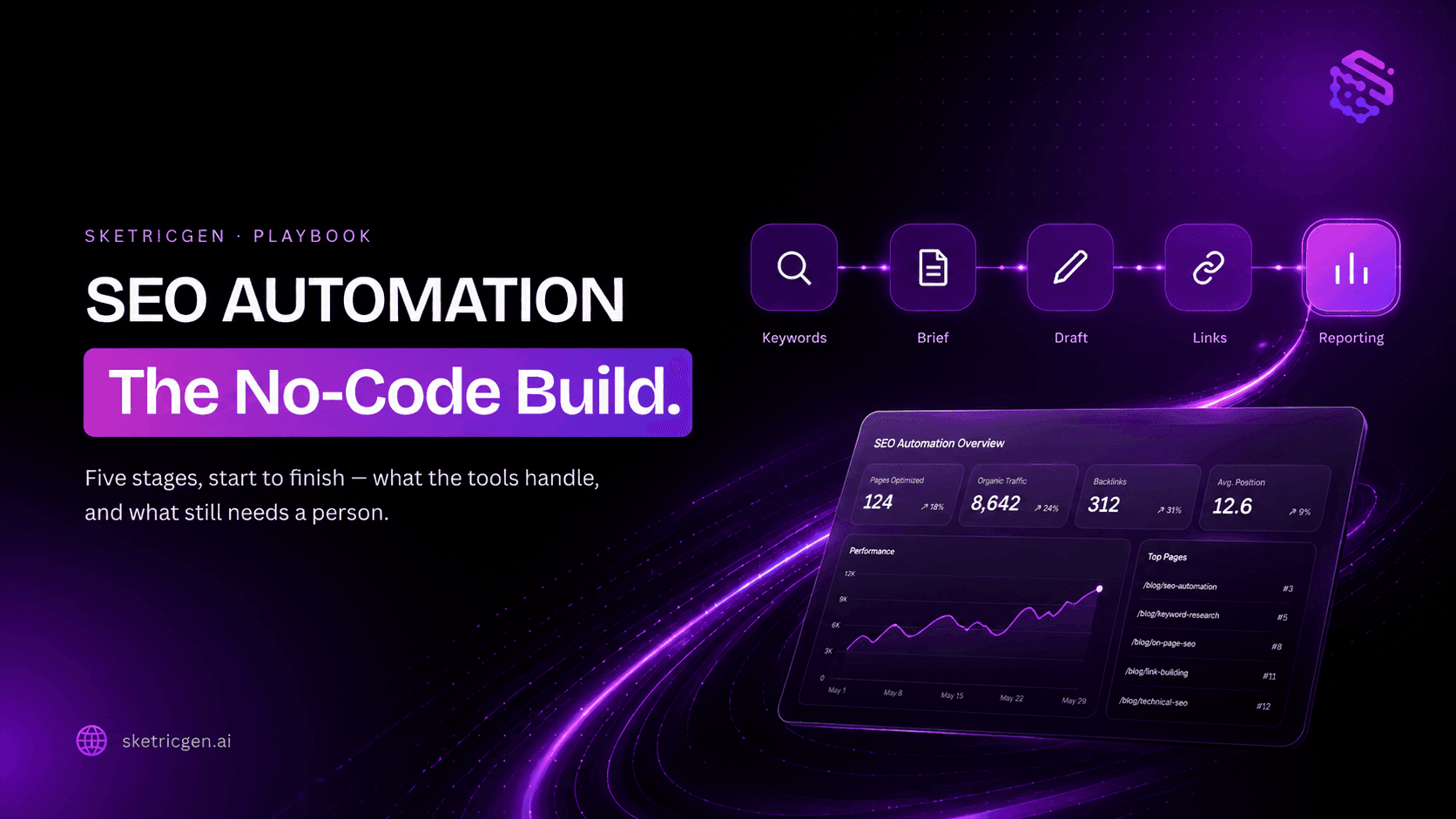
SEO Automation: The No-Code Build, Start to Finish
tutorials
How to Build an AI Marketing Agent (End to End)
tutorials