OpenClaw (Moltbot, Clawdbot) and alternatives: how to build a safer AI assistant
Who this is for
- You want a self-hosted assistant that can act, not just chat
- You tried OpenClaw (or Moltbot, or Clawdbot), liked the power, then noticed the risk
- You want alternatives that are easier to govern for teams: permissions, logs, predictable runs, rollback
TL;DR
- OpenClaw is a personal assistant you run on your own devices, with channels like WhatsApp, Telegram, Slack, and more. (GitHub)
- That power comes from deep permissions and an ecosystem of skills, which has been abused with malicious uploads on ClawHub. (The Verge)
- OpenClaw added VirusTotal scanning for skills, which helps, but does not replace basic hardening and permission boundaries. (The Hacker News)
- If you want team-grade workflows (structured inputs, traces, connectors, controlled deployment), use a workflow platform, not an endpoint agent. SketricGen is built for that model.
- Best default: OpenClaw for personal “do things on my machine”, SketricGen for “run this workflow reliably for a business”.
Table of contents
- What is OpenClaw
- Why OpenClaw went viral
- The security reality: skills, permissions, and supply chain
- Safer patterns if you still want OpenClaw
- Alternatives and when to pick them
- SketricGen template: Personal Ops AI Assistant (quick mention + link)
- Common mistakes and troubleshooting
- FAQ
- Next steps
At a glance: pick the right tool for the job
| If you need to… | Pick this | Why |
|---|---|---|
| Run a personal assistant on your own device that can use local apps | OpenClaw | Designed as a self-hosted assistant with multi-channel messaging and local execution. (GitHub) |
| Build business workflows with predictable inputs, outputs, and traceability | SketricGen | Multi-agent workflows, structured IO, traces, and deployment via embeds or API. |
| Do classic automation with lots of integrations but limited “agent reasoning” | Zapier, Make, n8n | Mature connectors and triggers, less agentic orchestration by default |
| Build developer-focused agent graphs | LangGraph, AutoGen-style stacks | Maximum control, higher setup cost |
What is OpenClaw
OpenClaw is an open-source, self-hosted personal AI assistant you run on your own devices. It can respond through common chat channels and perform actions by using tools and skills that interact with your system and external services. It has also recently rebranded from Clawdbot and Moltbot. (GitHub)
Why OpenClaw went viral
It hits a real user desire: “Stop giving me answers. Do the task.”
Typical demos are compelling because they are concrete:
- triage inbox, draft replies, send mail
- manage calendar, schedule or reschedule, confirm meetings
- run a recurring daily brief through your preferred chat channel
- do local machine tasks that cloud chatbots cannot do without a bridge (GitHub)
That same concrete capability is the warning label.
The security reality: skills, permissions, and supply chain
OpenClaw can be configured with extensive permissions, and its skill ecosystem has been targeted with malicious uploads distributed through the public marketplace, ClawHub. Multiple reports describe campaigns where skills masquerade as useful tools but lead users into running commands that install malware or exfiltrate secrets. (The Verge)
OpenClaw’s response has included partnering with VirusTotal scanning for skills uploaded to the marketplace. This raises the cost for attackers, but it does not eliminate risk:
- scanning can miss brand new payloads or benign-looking “installer” steps
- prompt injection and social engineering still work if the agent can execute actions
- the biggest failures are usually configuration and permissions, not signatures (The Hacker News)
If you are evaluating OpenClaw for anything beyond personal tinkering, treat it like endpoint security plus supply chain security.
Safer patterns if you still want OpenClaw
1) Reduce blast radius
- run it on a dedicated machine or VM, not your daily driver
- use separate accounts and separate API keys for agent access
- keep secrets in a vault and give the agent narrow-scoped tokens, not master keys
2) Make “skills” default-deny
- install the minimum set of skills
- prefer first-party or well-maintained repos
- review code like you would review a dependency that can run on your machine
3) Put approvals on irreversible actions
- sending email
- moving money
- editing files outside a dedicated workspace directory
4) Keep an audit trail
If you cannot answer “what did the agent do at 2:14pm and why”, you do not have a reliable operator setup. This is where workflow platforms tend to win.
Alternatives and when to pick them
The short list
- SketricGen for no-code multi-agent workflows with structured inputs, traces, and controlled deployment
- n8n for self-hosted automation with strong flexibility, especially for engineers
- Make for visual automation at scale with lots of integrations
- Zapier for speed and breadth of SaaS triggers
- Relevance AI / Lindy-style tools if you want agent behaviors packaged as business assistants (usually hosted)
Where SketricGen fits, specifically
OpenClaw is “assistant on a device.” SketricGen is “assistant as a workflow.”
That difference matters:
- you can force handoffs and constrain actions to connected tools
- you can deploy workflows with predictable inputs/outputs (and trace what happened)
- you can keep the “acting layer” away from your laptop and inside a governed workflow runtime
SketricGen template: Personal Ops AI Assistant (quick mention + link)
Previously, this section described a “personal assistant” workflow conceptually. Now there’s an actual ready-to-clone template page (with setup steps and details) — so the blog stays focused on the ecosystem comparison, and the template page carries the how-to.
Template: Personal Ops AI Assistant
What it’s for: a safer “assistant-as-a-workflow” pattern that routes your request to the right tool instead of giving an agent broad device access.
Uses: Google Calendar, Slack, Notion, File Search, and Web Search (connect only what you need).
If you want a fast starting point, build the Personal Ops AI Assistant in SketricGen.
Common mistakes and troubleshooting
Mistake 1: giving an agent broad permissions too early
Symptom: you are afraid to let it run unattended.
Fix: start in draft-only mode, add approvals, then graduate to limited auto actions.
Mistake 2: trusting skills and plugins like they are harmless
Symptom: your assistant installs “helpful” extras that are actually malware delivery.
Fix: default-deny on third-party skills, and do not run opaque commands from a skill README. (The Verge)
Mistake 3: no instrumentation
Symptom: it “sometimes works”, and nobody knows why.
Fix: pick a system that gives per-run traces and structured outputs. Debugging by vibes does not scale.
FAQs
Yes. OpenClaw has rebranded from Clawdbot and Moltbot, and the CLI and release notes reflect the rename. (GitHub)
It helps, but it is not a full solution. Scanning reduces obvious malware and flags known threats, but permissions, social engineering, and misconfiguration remain core risks. (The Hacker News)
You can reduce risk, but “safe” depends on your setup. Use separate accounts, narrow scopes, approvals for sends, and isolate where it runs when possible. (BleepingComputer)
Use a workflow platform that connects to your SaaS tools and runs under constrained credentials. You still need guardrails, but you can avoid blanket local permissions.
SketricGen is for multi-agent workflows with structured IO, orchestration, and traces. n8n, Make, and Zapier are excellent for deterministic automation; the difference is how “agentic” you want the system to be and how you debug/observe runs.
Next steps
-
If you want a personal always-on assistant on your own hardware: evaluate OpenClaw, but harden it first, and treat third-party skills as untrusted. (GitHub)
-
If you want a workflow-based assistant with less endpoint exposure: build a Personal Ops AI Assistant in SketricGen and adapt it to your stack.
-
Add guardrails next: approvals for irreversible actions, scoped credentials, and a rollback plan.
Related blogs
View more
9 Best AI Marketing Agents, Tested (2026)
comparisons
Agentic Marketing vs. Marketing Automation: A Decision Framework
comparisons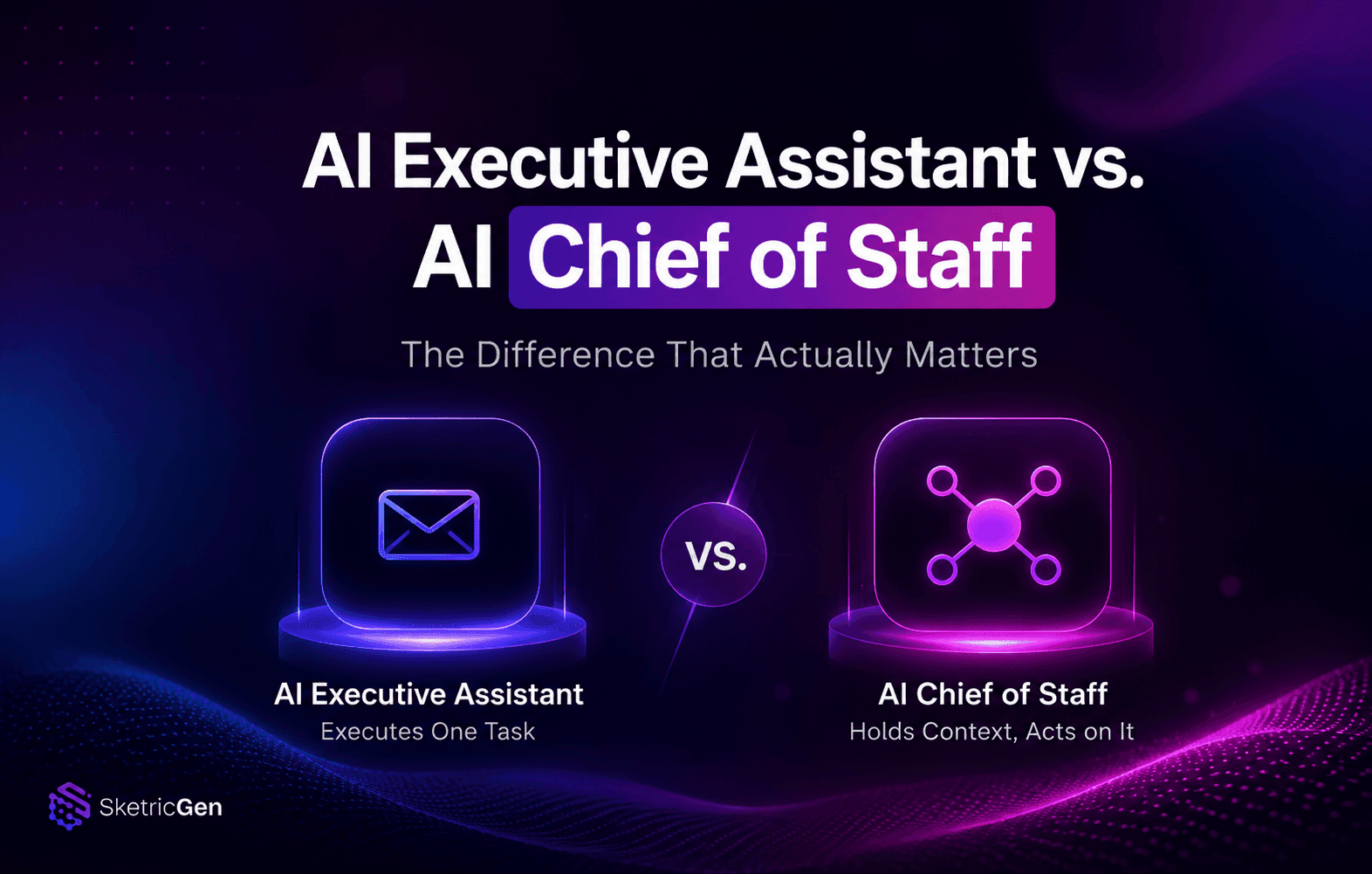
AI Executive Assistant vs. AI Chief of Staff: The Difference That Actually Matters
comparisons
AI Email Assistant: Why Drafting Isn't the Problem (and What Actually Fixes Inbox Overload)
comparisons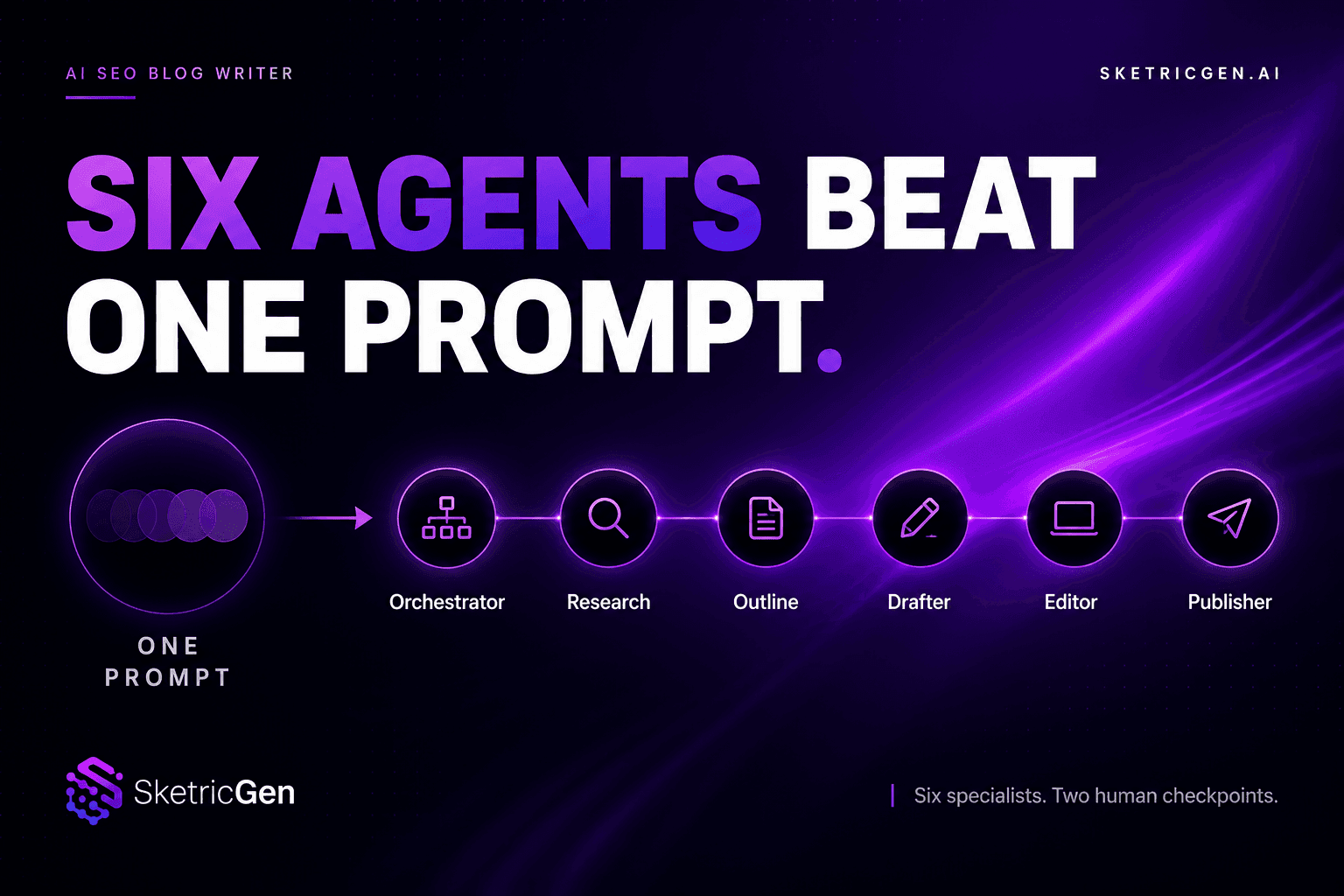
AI SEO Blog Writer: Six Agents Beat One Prompt
comparisons